Introduction
Recently, the Netherlands route has been relaxed, and registration can be completed without video verification. If your English is not strong, you can try the Netherlands region first.
N26 has been popular for quite a while, so I finally followed the crowd and opened one myself. Founded in 2013, N26 is a licensed German bank and a fully regulated European digital bank.
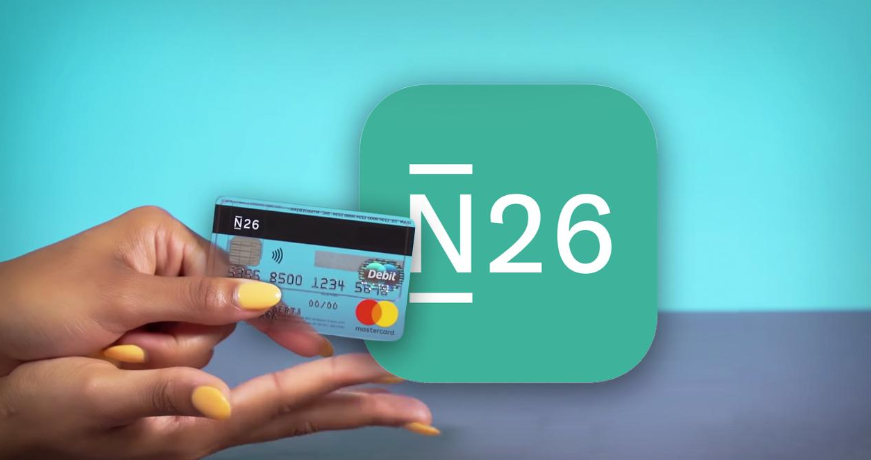
As of 2021, N26 had more than 5 million customers and operated in more than 25 countries and regions. Eligible deposits are protected up to EUR 100,000. N26 offers both personal and business accounts, with four account tiers that differ in monthly fee and benefits. It provides two kinds of debit cards and supports mobile payments such as Apple Pay and Google Pay, but it does not offer credit cards.
Advantages
- The onboarding threshold is relatively low. In most cases you only need a passport plus a video verification call, and proof of address is not required for now.
- You can use the virtual card (instant) or EUR IBAN transfer (slower) to activate Wise.
- You can withdraw EUR from Kraken to N26 through SEPA, then transfer the funds to Alipay for compliant cash-out.
- It can be linked to Alipay and WeChat Pay for spending in China.
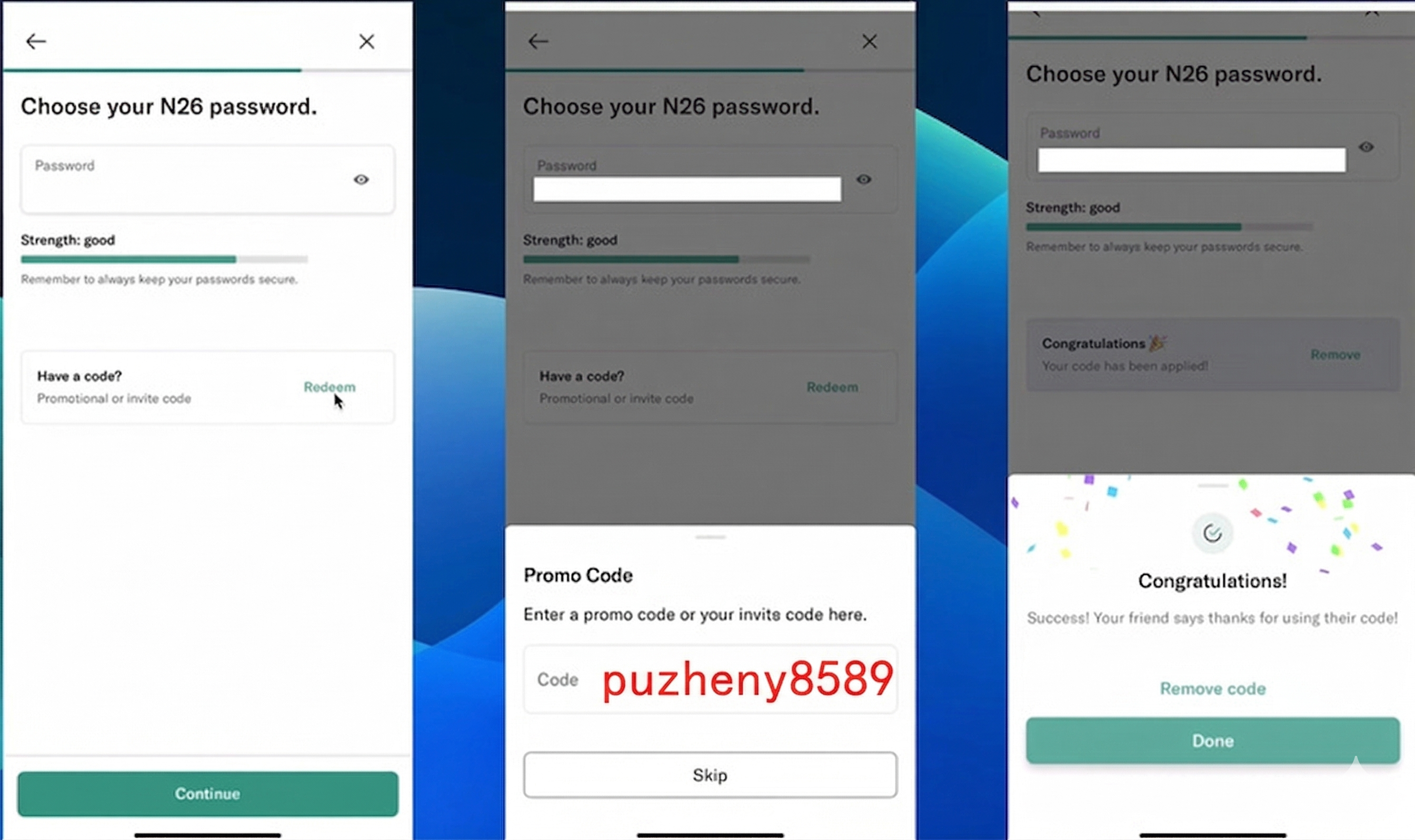
- If you use my invitation code
puzheny8589on the password setup page, or my invite link, and spend EUR 100 after opening the account, you may receive a EUR 100 reward.
What You Need
- A mobile phone number. Chinese mainland numbers can still receive SMS verification codes at the moment, but an overseas number is recommended in case domestic delivery becomes unreliable later.
- A passport.
- Ideally, register with a German IP.
- A German address. You can find a real residential address on Google Maps. Avoid obviously fake addresses. At the moment, choosing Germany as your residence usually does not trigger address verification, but nobody knows whether proof of address may be requested later. If you cannot provide one in the future, it is safer to keep only limited funds in the account.
- An email address. Gmail or Outlook is recommended.
Registration Steps
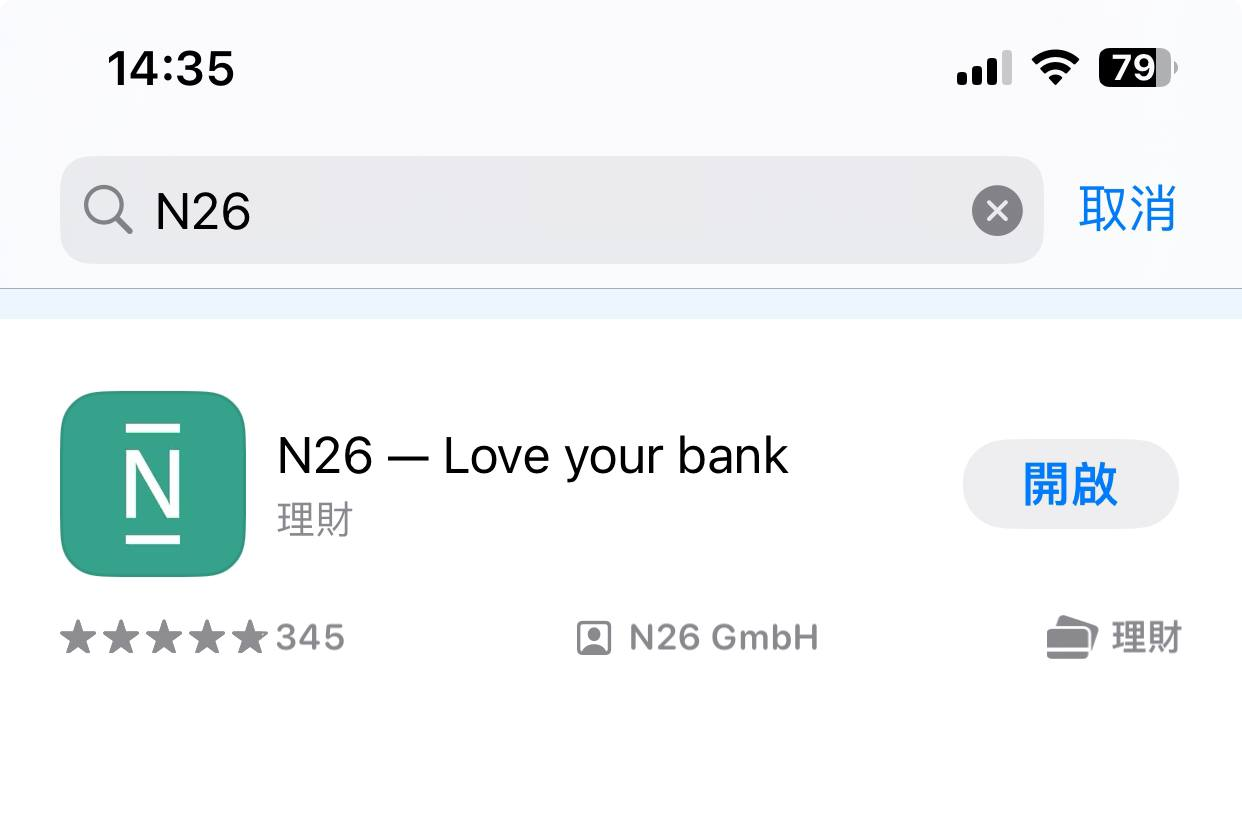
I will use the mobile app flow as the example here. Download N26 from the App Store with a non-mainland Apple ID. The web version is very similar.
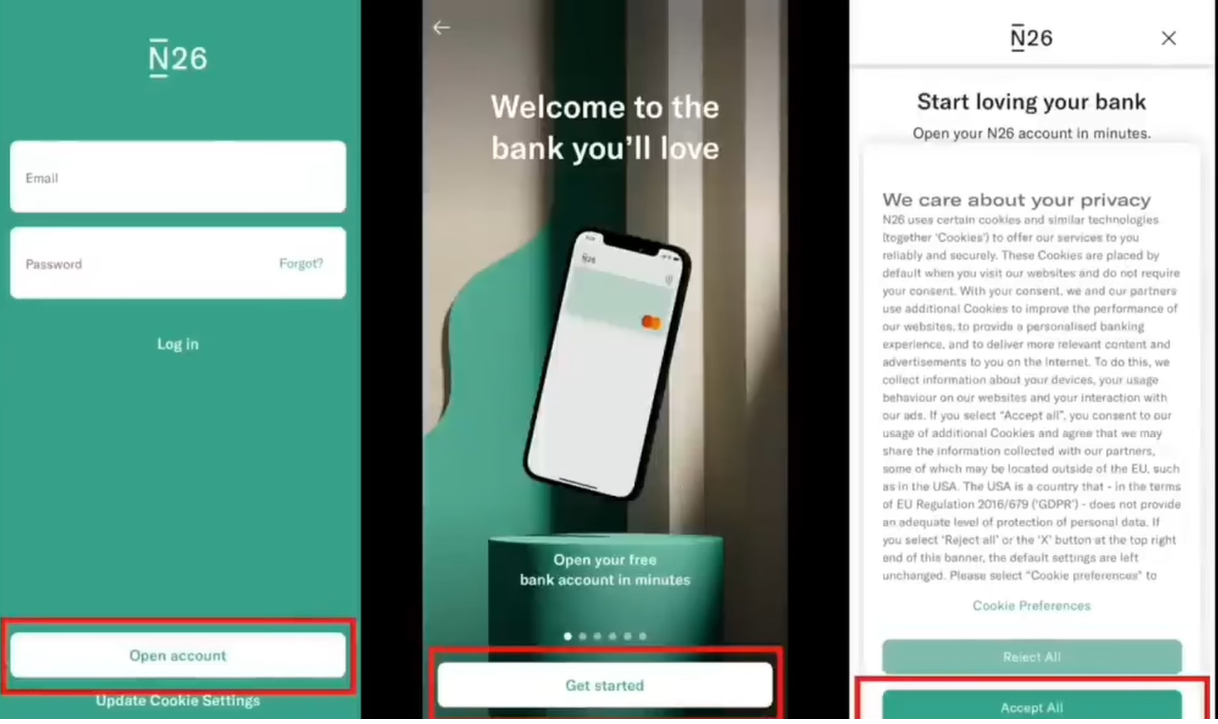
Open the app and tap Open account.
Choose Germany as your country of residence.
Recently, the Netherlands route has been relaxed, and registration can be completed without video verification. If your English is not strong, you can try the Netherlands region.
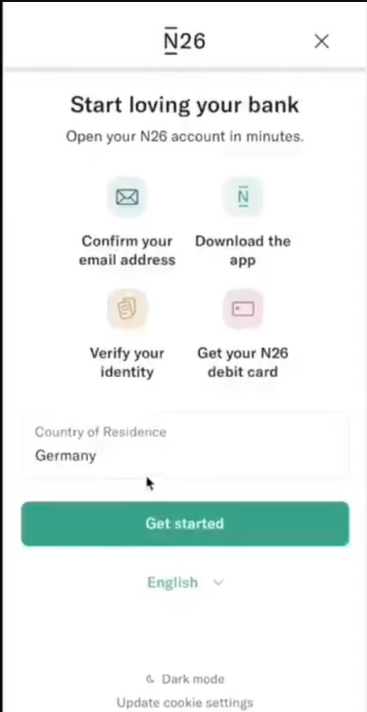
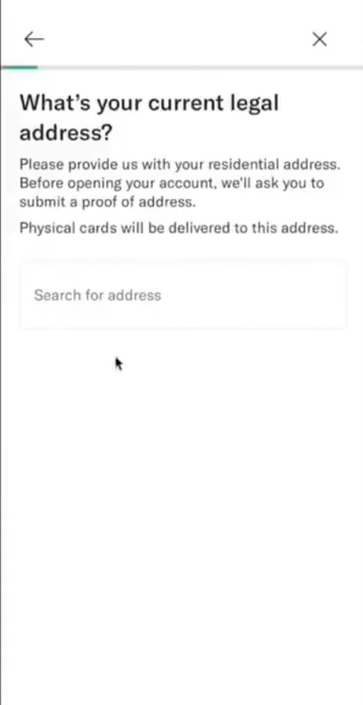
Enter a real German address.
Recently, the Netherlands route has been relaxed, and registration can be completed without video verification. If your English is not strong, you can try the Netherlands region.
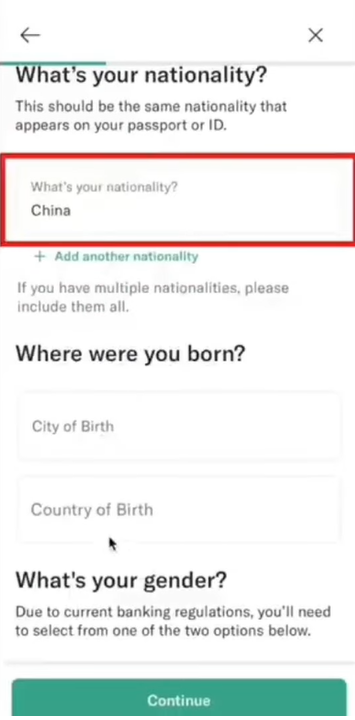
Then enter your real personal details: nationality, place of birth, country of birth, and gender.
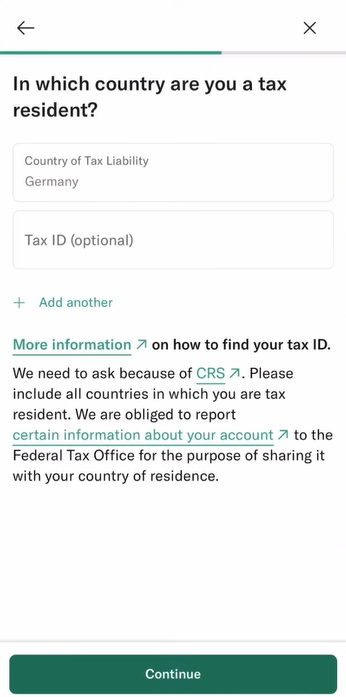
For the US-related compliance questions, choose No for all:
- Are you a US citizen?
- Do you hold a US green card?
- Are you a US tax resident?
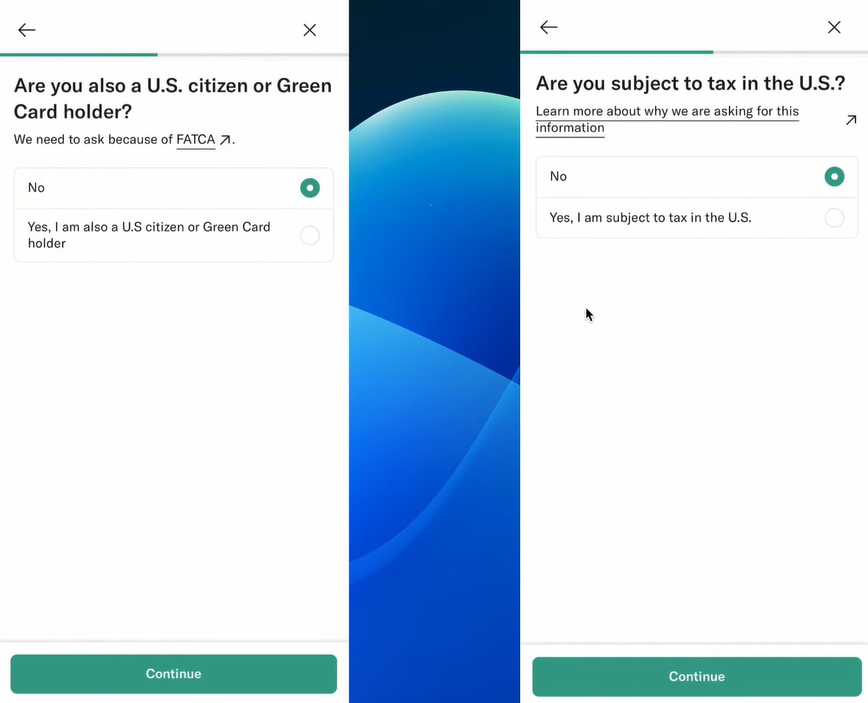
You can also skip the tax number field directly:
Next, set your password and enter the invite code. You can use my code puzheny8589 on the password page, or my invite link. After opening the account and spending EUR 100, you may receive a EUR 100 reward.
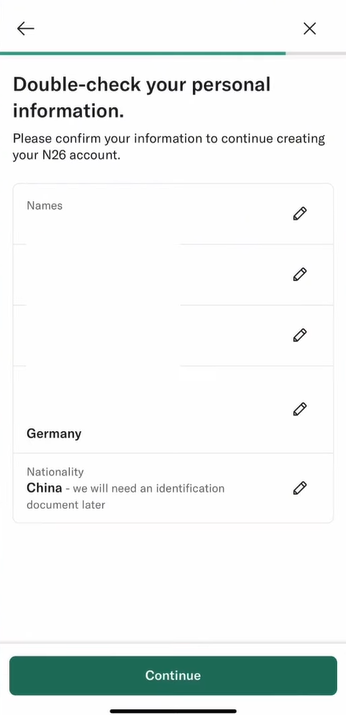
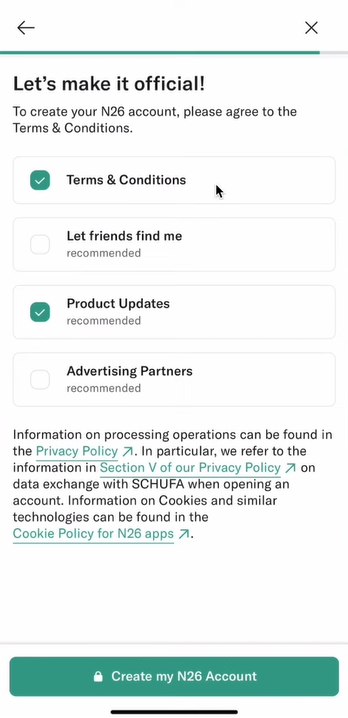
Review your personal details, tap continue, and accept the TOS.
Then check your email and confirm the registration.
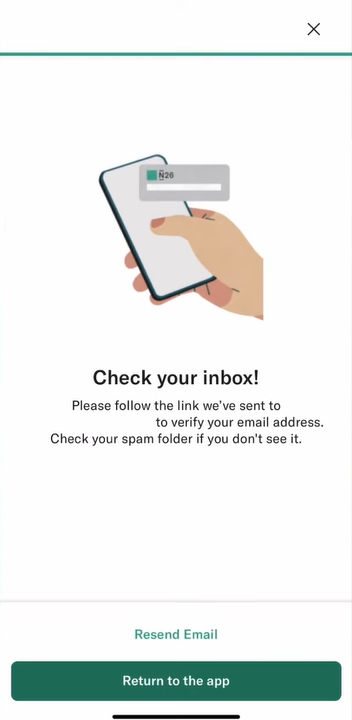
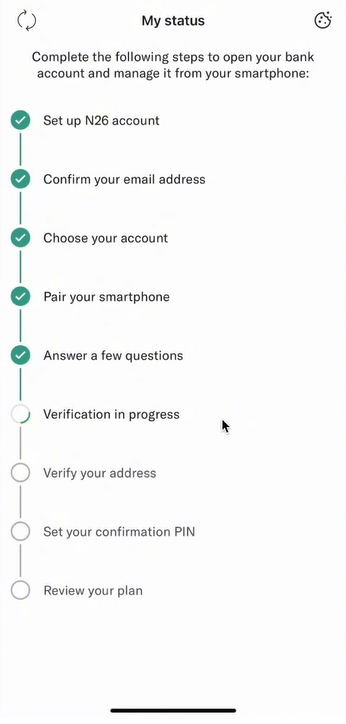
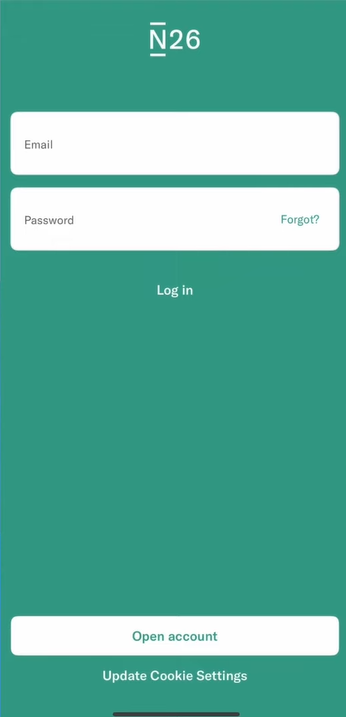
After the email confirmation, log back into your N26 account. The app will show the remaining steps.
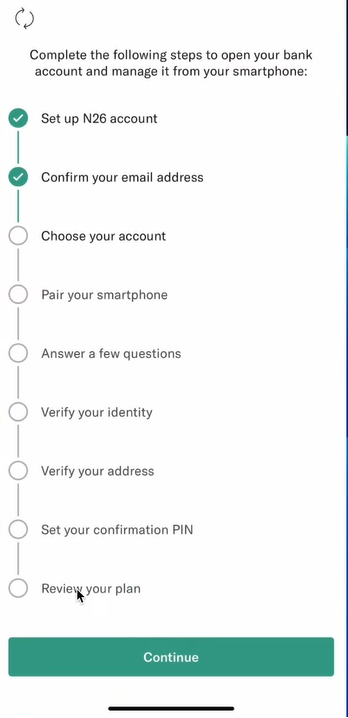
Tap through the process step by step:
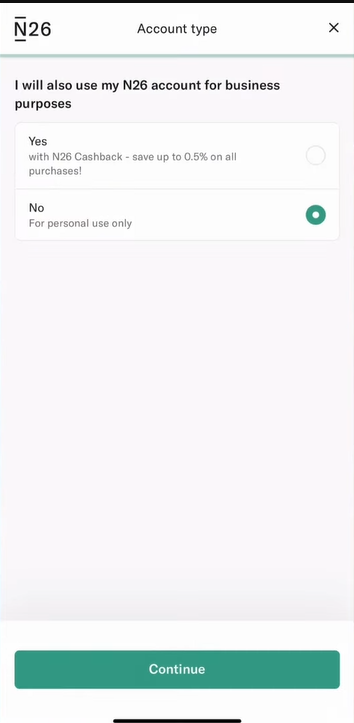
Choose your plan type. In most cases, the free Standard plan is enough.
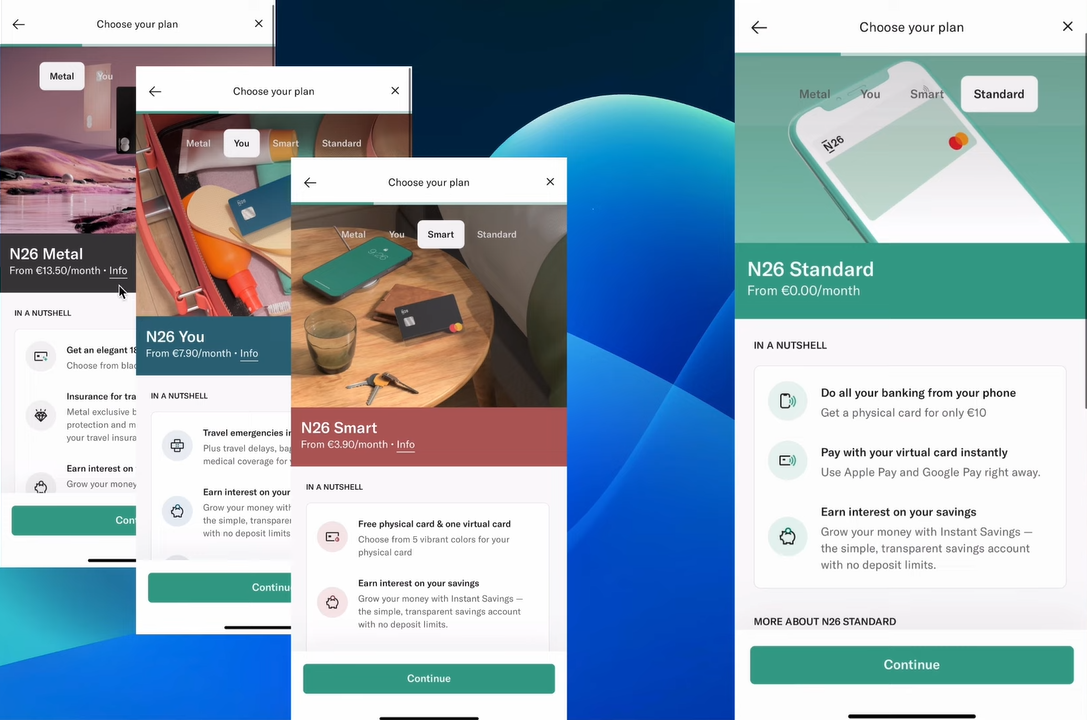
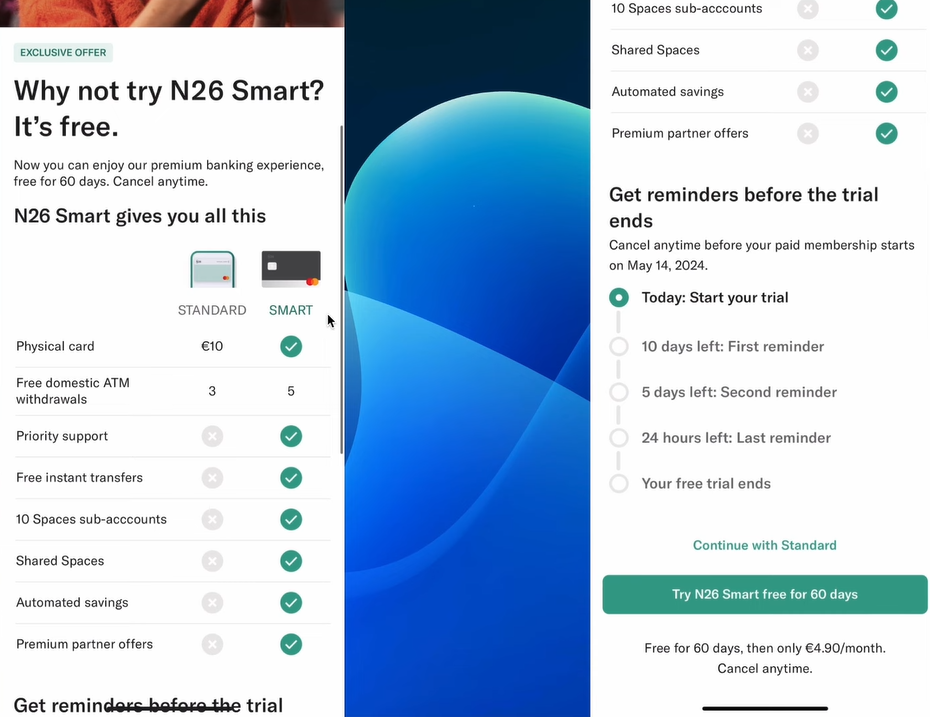
The app will compare Smart and Standard. Continue with Standard.
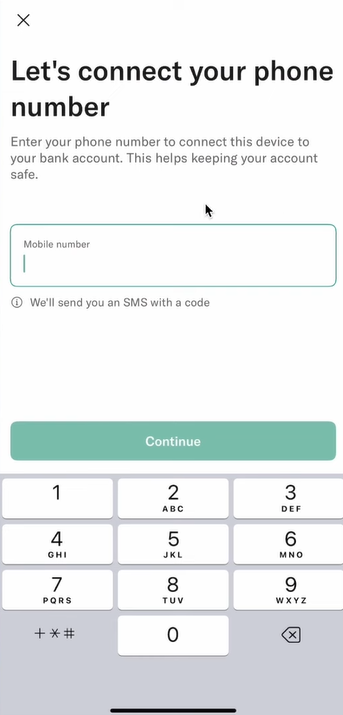
Then enter the phone number used for SMS verification. An overseas number is recommended.
Complete the remaining personal information according to your real situation.
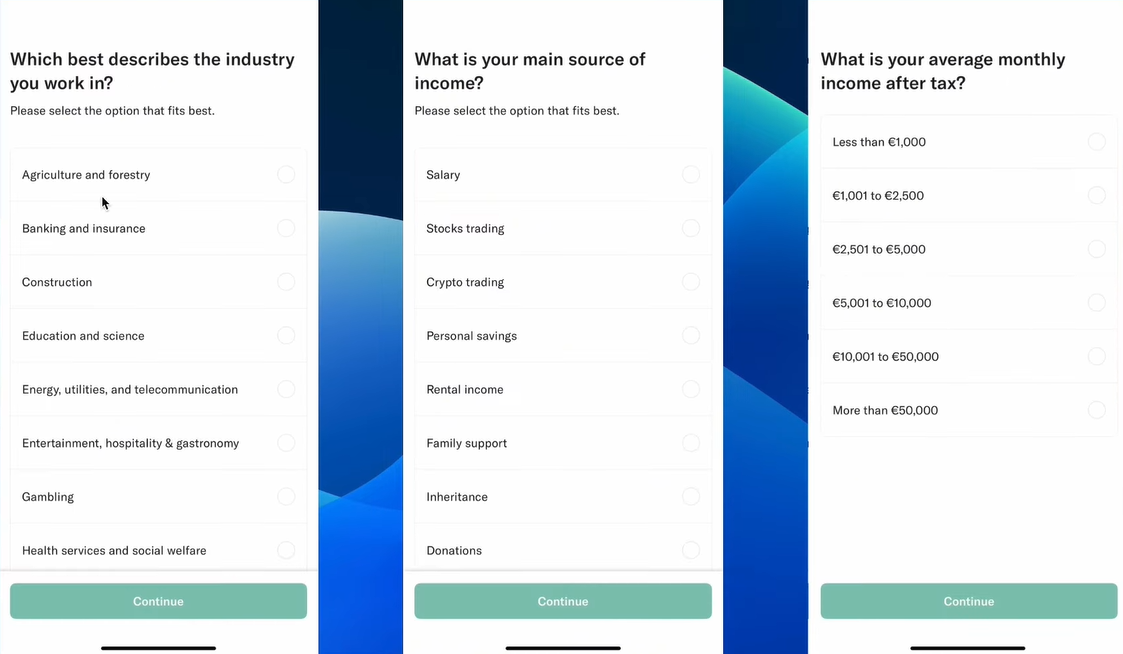
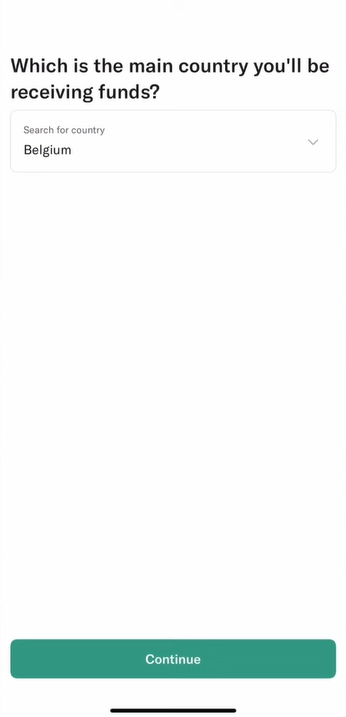
Next, select the main country from which your funds will come. I mainly use Wise, and Wise’s EUR account is based in Belgium, so that is what I selected. You can fill this in based on your own situation.
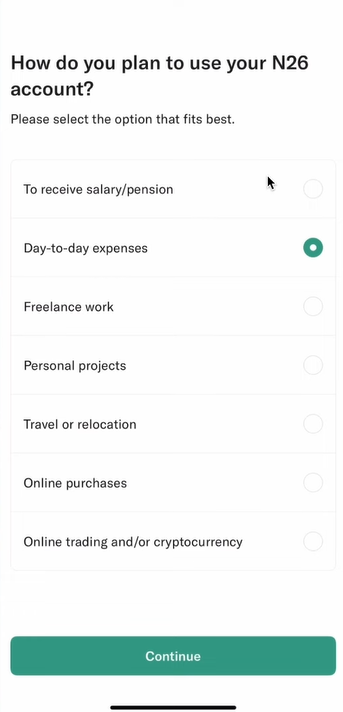
Then choose the primary purpose of the N26 account. If your usage is mainly related to crypto, the last option is usually safer.
Now you are ready for the video verification step.
Recently, the Netherlands route has been relaxed, and registration can be completed without video verification. If your English is not strong, you can try the Netherlands region.
Choose Passport, select China, and accept the required terms.
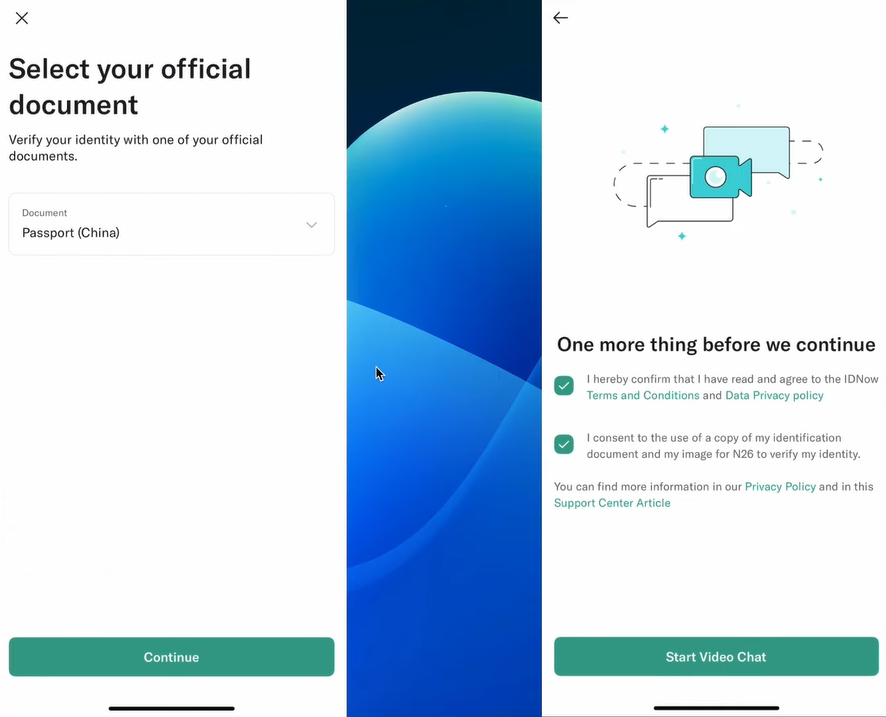
Video Verification
Recently, the Netherlands route has been relaxed, and registration can be completed without video verification. If your English is not strong, you can try the Netherlands region.
Prepare your passport in advance. It is best to do the call during German business hours, which usually means after 16:00 Beijing time. If the agent starts speaking German, you can ask them to switch to English. If the accent is too strong and you really cannot understand, just close the session and retry later. There is no strict limit on how many times you can restart the video verification.
The video KYC process usually has two parts:
- A few basic questions.
- Some actions you need to perform on camera.
I found a practical script online and cleaned it up below so you can rehearse in advance.
Part 1: Four Basic Questions
-
Do you agree to record this verification process?
Answer: Yes -
Do you use this account yourself?
Answer: Yes -
Is the account password only known to you?
Answer: Yes -
Did somebody prepare you for this call?
Answer: No
Part 2: Actions During Verification
-
I will now take a photo of you, please look into the camera. Would you please remove your glasses?
Action: Remove your glasses if you are wearing any. -
Please stay like that, I will take a photo of you.
Action: Stay still. -
Thank you, you can put the glasses back on.
Action: Put them back on if applicable. -
Now please move your hand with spread fingers from bottom to top in front of your face.
Action: Follow the agent’s demo and repeat the gesture. -
To take some pictures of your ID document, I will turn on the rear camera. Please hold your ID document’s photo page from the side into the camera.
Action: Your phone will switch to the rear camera. Show the passport photo page in the frame. -
Please stay like that, I will take a picture. Don’t move the passport please.
Action: Stay still. -
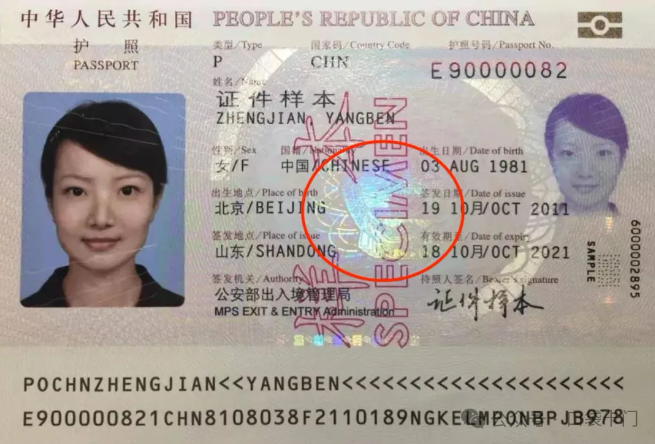
Okay, now I will turn on the camera light. Do you see this yellow and red color? Where the yellow and red is there will be a hologram, a colorful circle. I need to take a picture of it so please tilt your passport like this.
Action: Tilt your passport so the hologram reflects light, following the agent’s demonstration.
-
You need to tilt more, tilt more up and down, left and right, the way I’m showing you, please. I need to see this colorful circle here.
Action: Increase the tilt angle in all directions. -
Now please show me this Chinese square in the top right corner, I need to take a picture of it.
Action: Show the square in the top-right corner of the passport page.
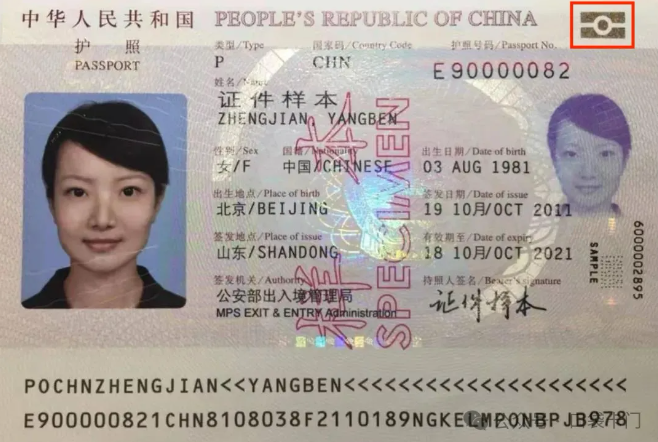
-
Please cover half of that square with your finger and I will take a picture.
Action: Cover half of the square with one finger. -
Please close your passport, now I need to take a picture of your closed passport.
Action: Close the passport and show the cover. -
Stay like that please and tell me what is your date of birth?
Action: Answer your date of birth in English. -
Thank you, I am switching to the front camera. Now please read to me your passport number.
Action: Read out your passport number in English. -
Thank you, just a moment. Is having this bank account your personal decision, yes or no?
Answer: Yes -
Thank you, please push the request ident code button. Once you receive your code, enter it here and confirm.
Action: Tap the button, receive the code, and enter it. -
Thank you for your patience, the identification process is now complete. Please follow the next steps that are prompted in the app. Goodbye and have a nice day.
Reply: Thank you, have a nice day. -
Thank you, bye.
Reply: Bye.
After the video verification is approved, return to the previous screen and continue the remaining setup flow: