💡 Tips The tutorial below requires a Turkey node. If you lack local network access, consider purchasing: Turkey Low-cost Server (Exclusive discount) (5% discount code:
AFF-1219-NEEDOLPX).

I have too many servers. Previously, I kept using Xshell as my SSH client to login, but Xshell 8 was constantly triggering popups, requesting email verification, often failing verification, and synchronizing across multiple devices was difficult. Moving to a new machine needed lookups. Not to mention maintaining from mobile when outdoors—there simply weren’t fully featured mobile clients. Compelled by this, I switched to Termius and subscribed—it is not expensive in the Turkey zone (around 20 RMB/year), giving multi-device cloud sync making forgetting IPs/passwords a breeze.
I. About Termius
Termius is a cross-platform SSH client management tool controlling servers via the SSH protocol. Main perk: supports macOS, Windows, Linux, iOS, and Android—an inclusive fully equipped client. Multi-device sync is the gem. Moving to new devices just brings over data without searching IPs/passwords again.
However, sync is paid (requires the Pro plan). Official price: $10/month (~856 RMB/year)—unaffordable for individuals. Turkey zone price: 85 Lira/year (~15 RMB, factoring gift card fees around 20 RMB), magnificent deal compared to previous goodies which increased prices.
Alternatively, students can apply for the GitHub Student Pack which includes Termius Pro for free during valid duration, but the pack is unstable and verifies student status strictly.
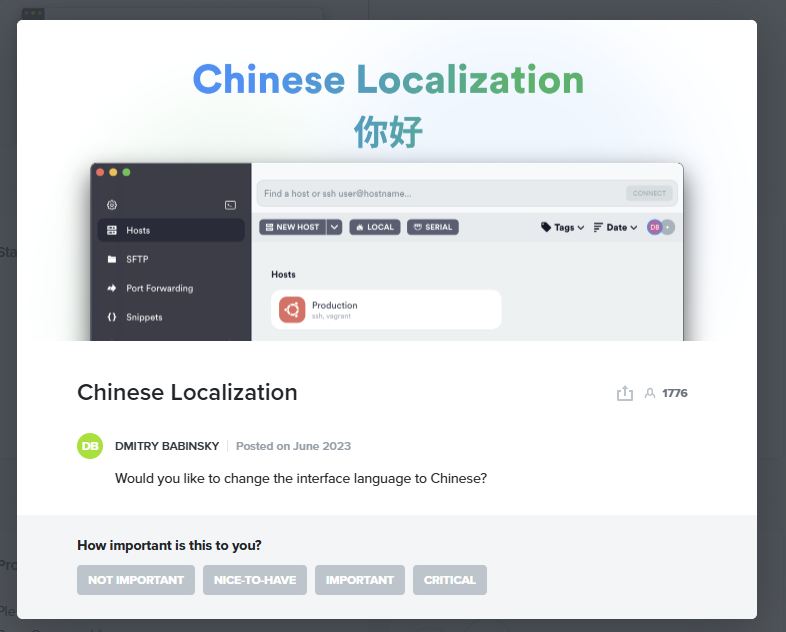
Only caveat: No native Chinese language representation. Needs third-party patches or await official translation updates which are stagnant for 1.5 years.
II. Changing Microsoft Account Region
Low-tier prices require the Microsoft Store Turkish region. Before starting: buy a Turkey Xbox gift card on Taobao (100 Lira is ~20 RMB), or use Oyunfor for a slight discount. Why gift cards? Microsoft Store Turkish zone requires local Turkish credit cards on initial subscriptions. Add your global card AFTER the first sub completes so only the first charging uses cards. Plus, you absolute need a Turkish IP address configuration to complete steps securely.
First: edit Microsoft account profile region to Turkey. Usually straightforward by switching OS, but often blocks, hence safe profile path: Login https://account.microsoft.com/profile, flip country to Turkey, then redeem cards via https://account.microsoft.com/billing/redeem.
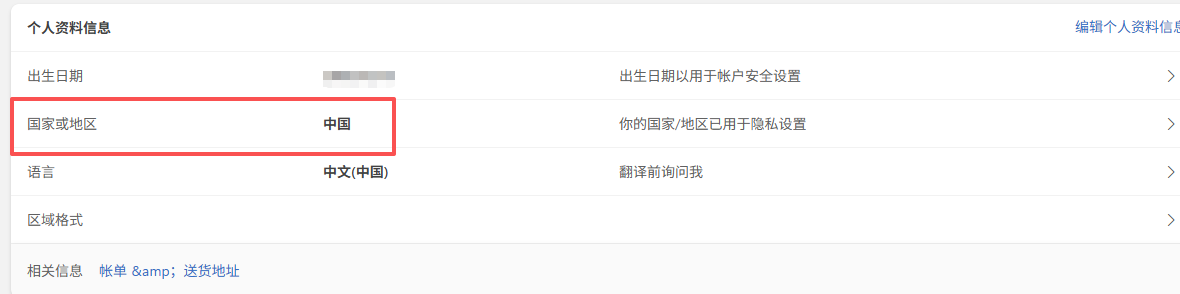
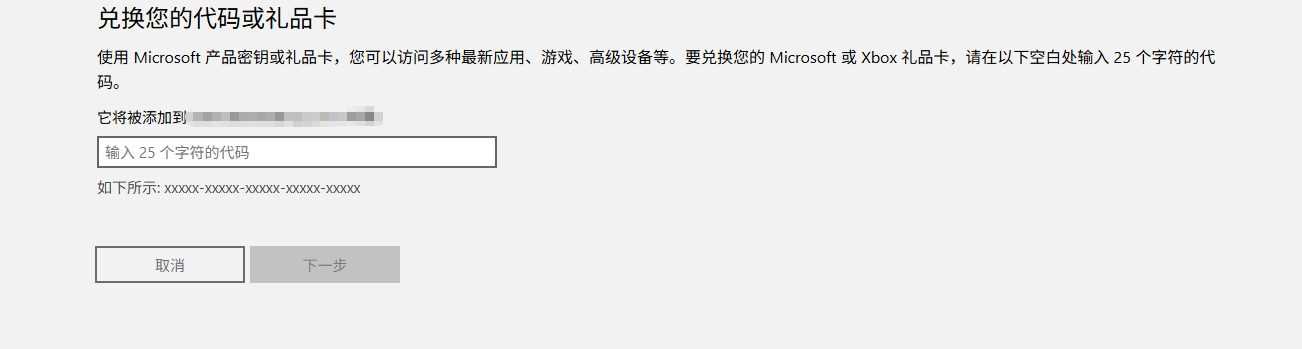
This settles profile modification. Troubleshooters can create burner subsidiary account over main safeguarding Risk filters.
III. Termius Turkey Subscription
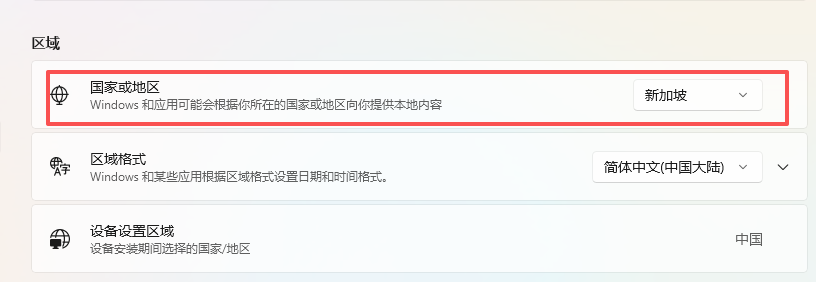
Equally, flip OS country setting to Turkey so the store aligns properly. Prices will flip to Lira. Search and download Termius from Microsoft Store.
Open, login, opt Pro plan upgrade adding payment details (use random Turkish address). Finish balance payment with redeemed gift card. Subscribed 85 out of 100 Lira (15 remains).
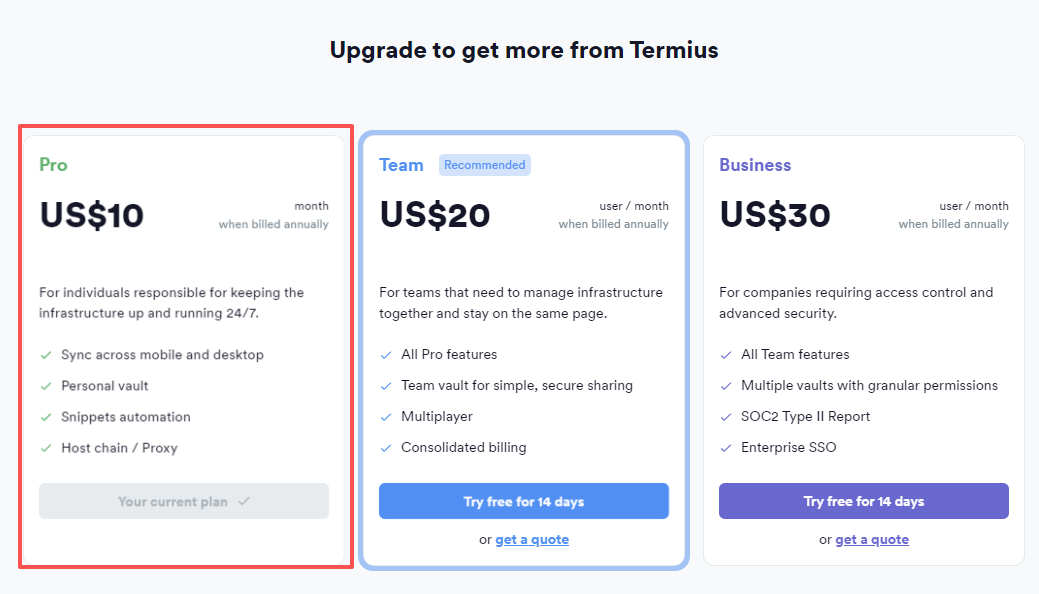
Microsoft triggers confirmation email receipt quickly, concluding Pro mode view successfully.
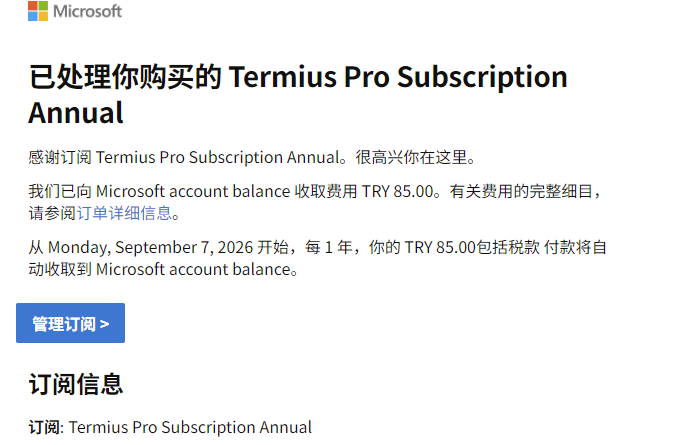
IV. Adding Your Credit Card
Adding is convenient to avoid next-cycle gift card top-ups, facilitating automatic exact charges. Although MS store is locked to local cards initially, adding regular credit cards as backup is verified functioning correctly.
Caution: Drop Turkish IP now; use native absolute IP otherwise addition errors out.
Enter manage sub in email, hit regular sub manage dashboard, insert Backup Payment method, inserting your credit card details. Ignore region lock representation—verified to save effortlessly.
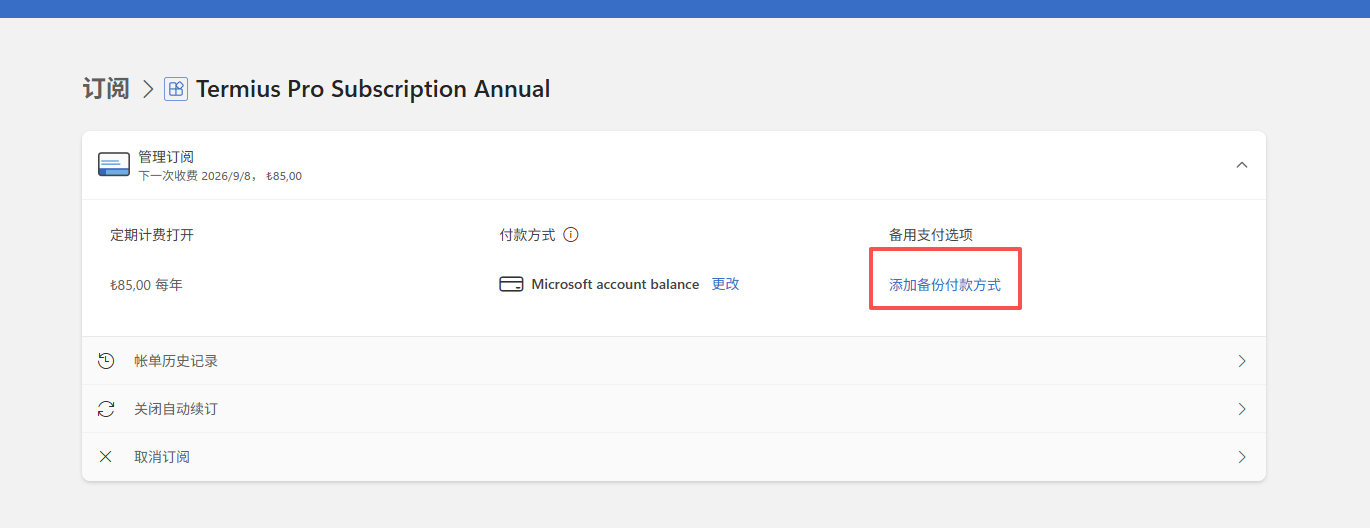
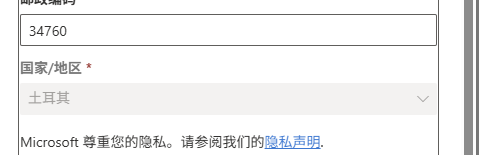
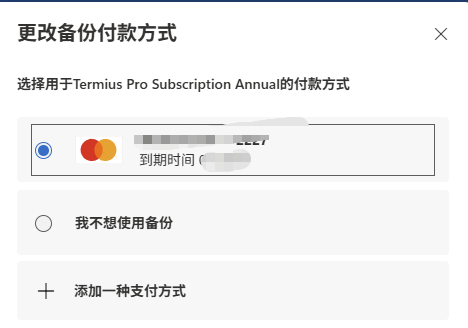
Facilitating automatic second-cycle direct charge without gift cards natively, saving time and money nicely.