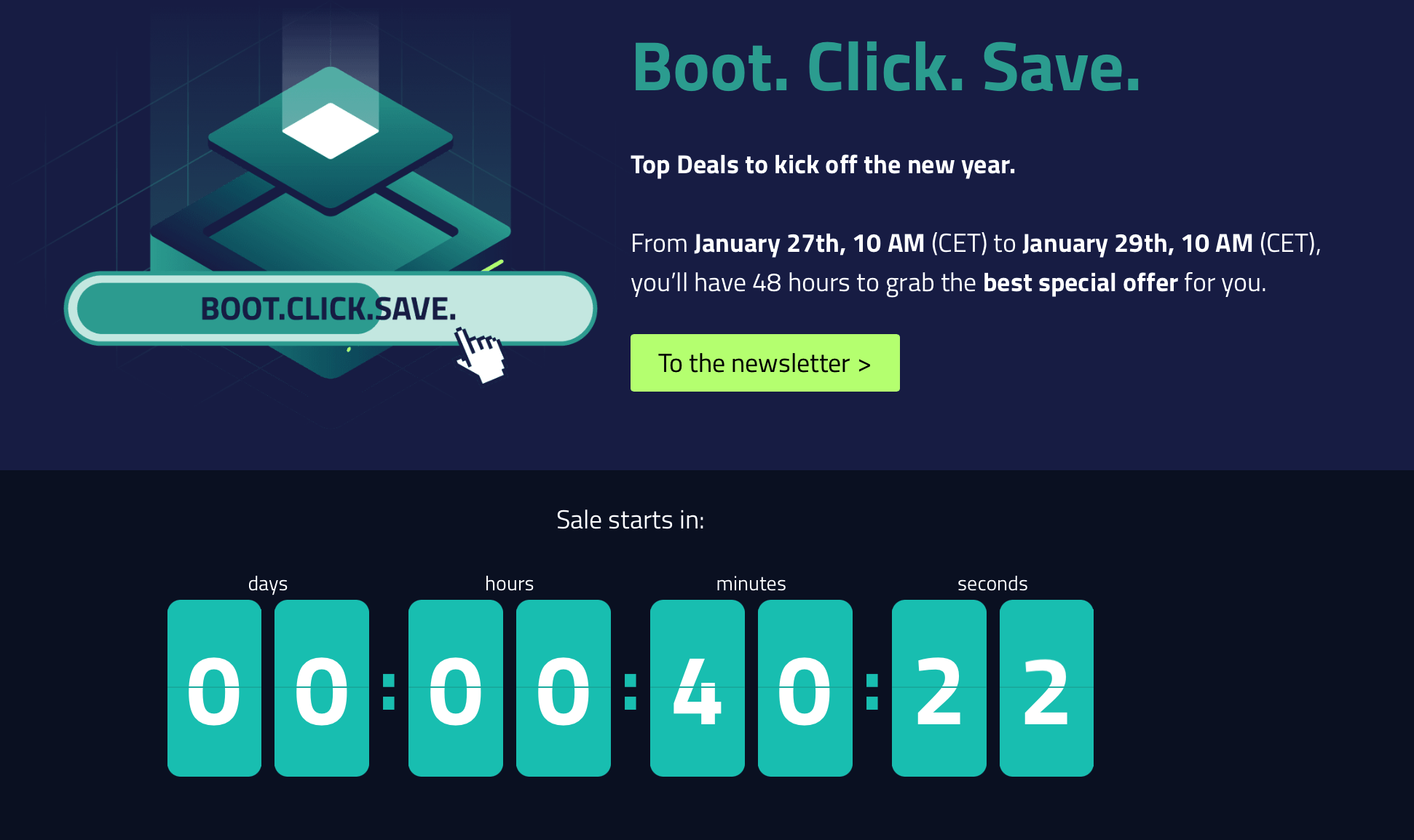
Promotion Link [No AFF]: https://www.netcup.com/en/deals
This article covers: Promotion Link, Vouchers, Tax-Exempt Registration Guide, Refund Tutorial, Domain Registration/Transfer, Domain DNS Modification, and WebHosting Deployment Tutorial for ThinkPHP/Laravel.
Except for official voucher codes obtained via Newsletter, anyone giving them has AFF (affiliate links), including here!
💡 Key Reminders
- The promotional price is not a first-year discount; it is a permanent price!
- This flash sale includes the 1o box (1o-VServer), Source .
- 5o vouchers can be used for promotions (except the 1o box).
- We recommend binding a 5o voucher following the guide below before the event starts to secure your order faster.
💰 Vouchers (Continuously Updated)
5 Euro Vouchers (Not applicable to domains/1o VServer)
|
|
In addition, here are some other voucher codes for specific products:
Webhosting (Lifetime 30% Discount)
|
|
Root Server (Free 1-2 Months)
|
|
VPS (Virtual Private Server) (Free 1 Month)
|
|
Voucher Usage Guide
- Open the NetCup Cart: https://www.netcup.com/de/checkout/warenkorb
- The cart will be empty. Scroll to the bottom.
- Click on the gray text Gutscheincode under Gutschein einlösen and paste the voucher code from this post.
- Click Einlosen to bind the voucher.
- Open the official deals page: https://www.netcup.com/en/deals/black-friday to complete your purchase.

How to Fill in Tax-Exempt Registration Info?
- Turn off proxies/VPNs and access with your real home internet.
- Select Country: CN - China
- Fill in your Region/City accurately (in English). Format for municipalities: Beijing; Province and City format: Shijiazhuang, Hebei
- Zip Code: Fill in accurately. You can search “City Name + Zip Code” on Baidu/Google.
- Address: You can write something plausible but not existing + some random number like a unit number. E.g.,
No. 19, Building 11, Yangguang Community, Qianmen Street, Beijing, China. We recommend using AI to generate this. - Name: Use English + Space, e.g.,
Xiao Hong,YuYan Peng. Do not use random strings likeasdasdasd! - Phone Number: Use
+86. There is no SMS or voice verification. If you don’t want to use your personal number, you can change a few digits, or generate one online. Here is one: https://yxhkb.com/mobcreate.aspx - Email: Do not use QQ email. Use Outlook, Google, or other overseas email services.
- For initial registration, always use a 5o voucher. If you don’t renew, it’s almost like getting a month for free.
- Orders go through manual review before service activation. The response might be slightly slow; keep an eye on your inbox.
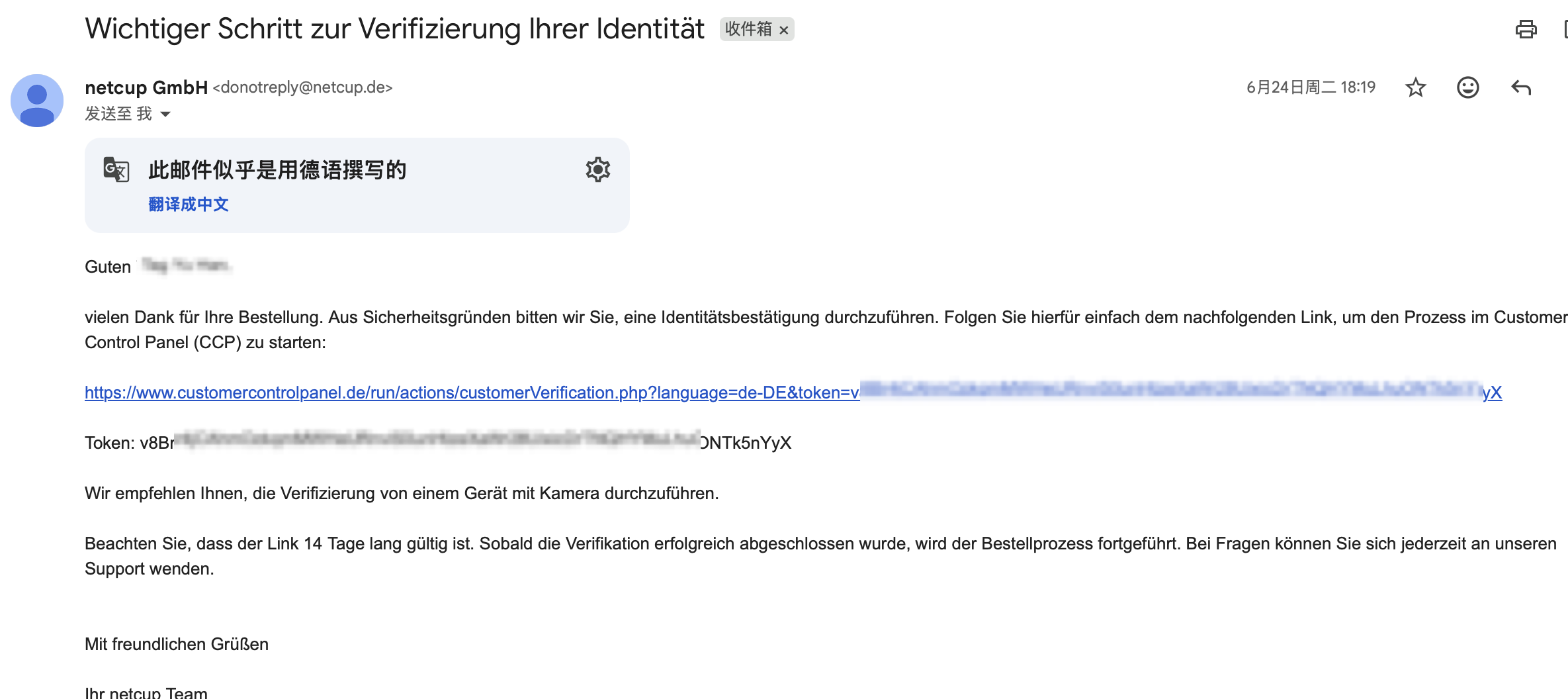
- Review Email: After ordering, you will receive several emails. The most critical one is the “Identity Verification required” (or German equivalent). Click the verification link and always select payment verification!

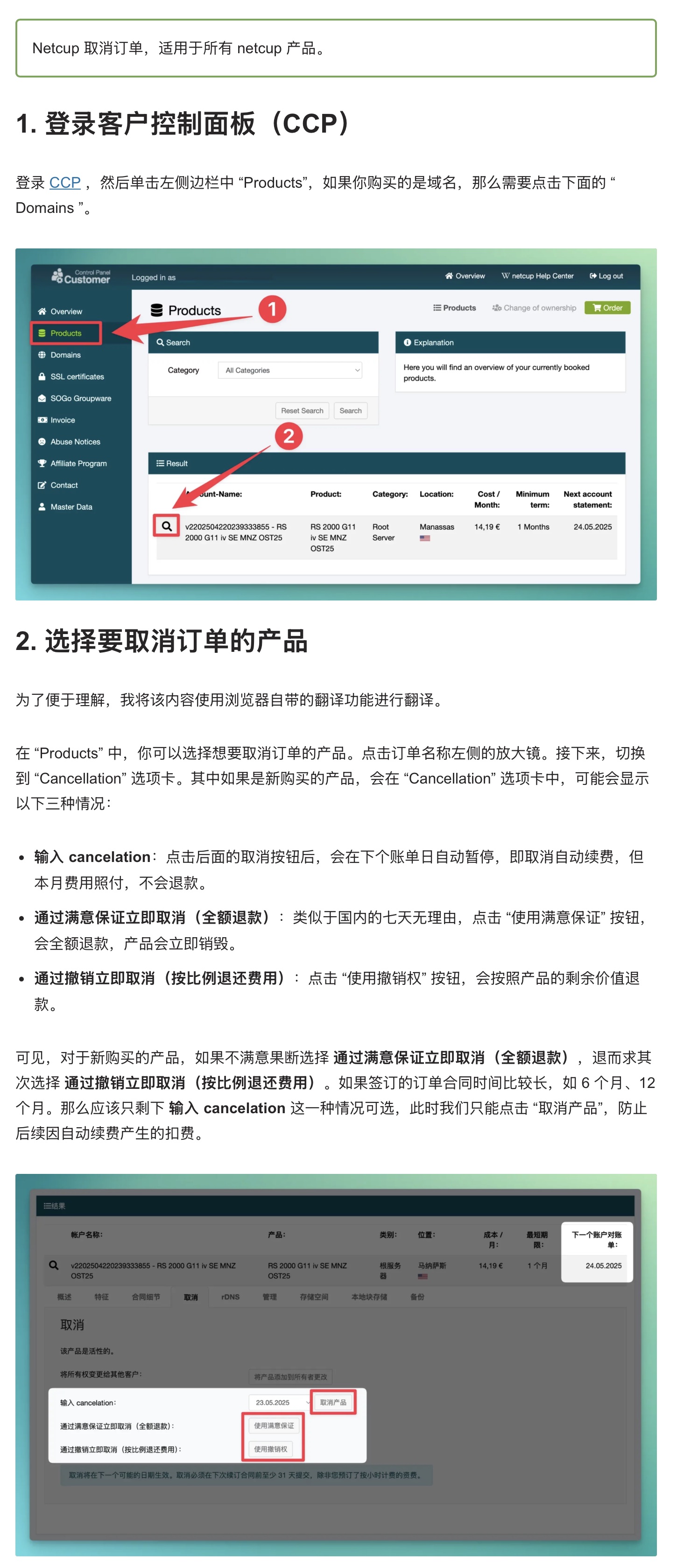
About Refunds
Selecting the first option means canceling the subscription renewal.
The second option is a FULL REFUND (will destroy the server).
The third option is a PRO-RATA REFUND based on remaining days (will destroy the server).
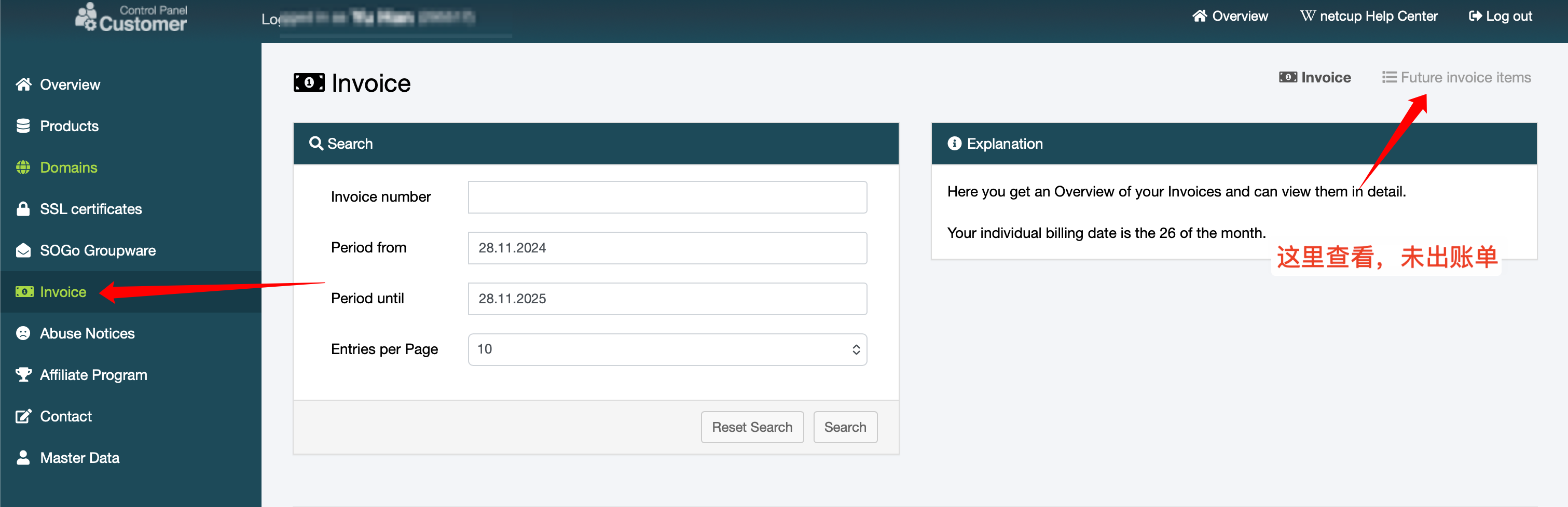
About Missing Invoice/Bills
NetCup is a “use first, pay later” model. You can check unbilled items following the guide below.