Introduction
Netcup GmbH is a veteran internet service provider headquartered in Karlsruhe, Germany, commonly referred to as NC. They offer Web Hosting, Domain registration, and Managed Servers, all powered by 100% green energy. Service contracts are governed by German law and comply with the strict EU General Data Protection Regulation (GDPR).
This company is renowned for providing highly stable services and enforcing a rigorous contract system. Based on public reviews found across the internet, here are a few things to keep in mind:
- Registration requires real information; they will perform identity verification.
- Post-paid mechanism: if an invoice is generated, refusing to pay could result in legal action (it is rumored they issue demand letters even internationally).
- Contracts are indefinite; different services have different minimum terms. Cancellation requires one month’s notice.
- All VPS/Root Servers have Port 25 open and support rDNS.
- Invoices use different tax rates based on the country; Mainland China is tax-exempt.
Netcup does not audit the content of services hosted by customers, but customers are held responsible for their own hosted content. As long as it is not used for illegal purposes (phishing, spam, legal disputes…), it is excellent for long-term stable website building.
They are currently running Black Friday discounts and flash sales, and recently you could even catch €0.84/month VPSs (often called “1-Euro box”). Yesterday, after much deliberation, I chose the RS 1000 G12 Pro service.
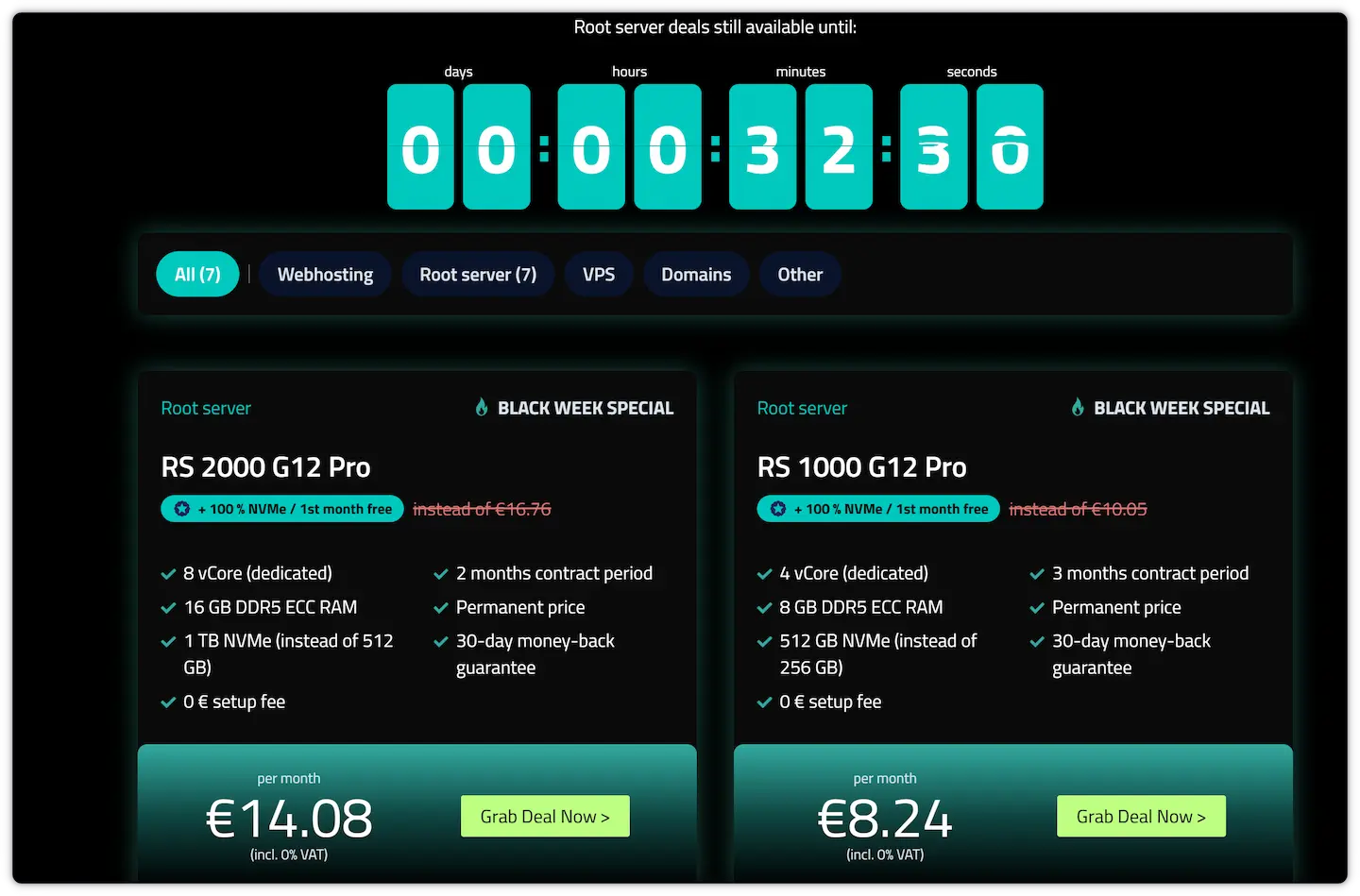 (Root Server, similar to a VDS), is more expensive than regular VPSs and has relatively better performance, though average users may barely notice the difference. Therefore, please consume rationally and live within your means.
The features that attracted me to this plan are:
- AMD EPYC 9634 4 vCPUs (Dedicated)
- 8GB DDR5 ECC RAM (Dedicated)
- 2.5G Bandwidth with unlimited traffic
- 512GB NVMe SSD (Doubled from 256GB)
- Lifetime price of €8.24/month (Quarterly contract)
- 30-day satisfaction money-back guarantee
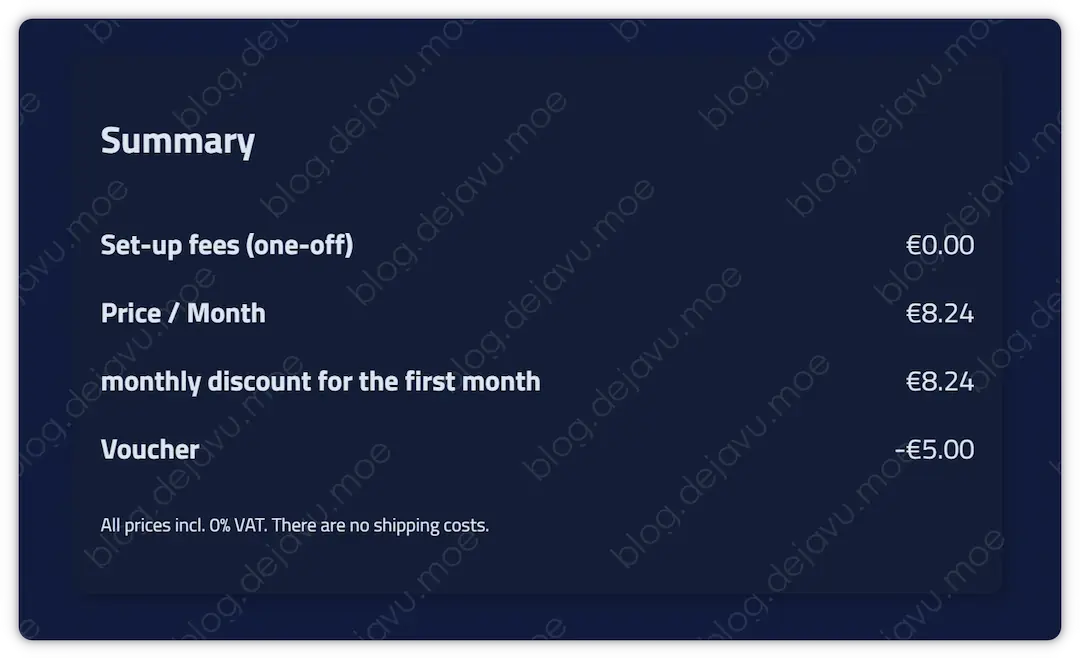
The IP is extremely clean, and CPU/RAM/SSD performance is robust. The purchase comes with the first month free, and utilizing a €5.00 coupon made my first quarter’s invoice €11.48 (8.24*0 + 8.24*2 - 5). Based on current exchange rates, that averages about 30.30 RMB/month for the first three months, and 65.19 RMB/month thereafter.
To be honest, this price isn’t exactly cheap 😭, but its performance and reliability are fully worth it. I am migrating all my services here, and in the years following, I will maintain only this renewal—a lifetime contract, precisely what I need.
Registering an Account and Purchasing Service
I hadn’t used this provider’s services before. Googling about it, registering a tax-free account and identity verification on Netcup seemed quite complex. At the time, there were less than 20 minutes left before the discount ended. Taking a leap of faith, I completed the purchase, and verified that keeping information truthful was actually quite simple.
Below is a record of my entire account registration and order payment process. Before you start, please turn off your proxy/VPN.
Choosing the Tax-Free Zone
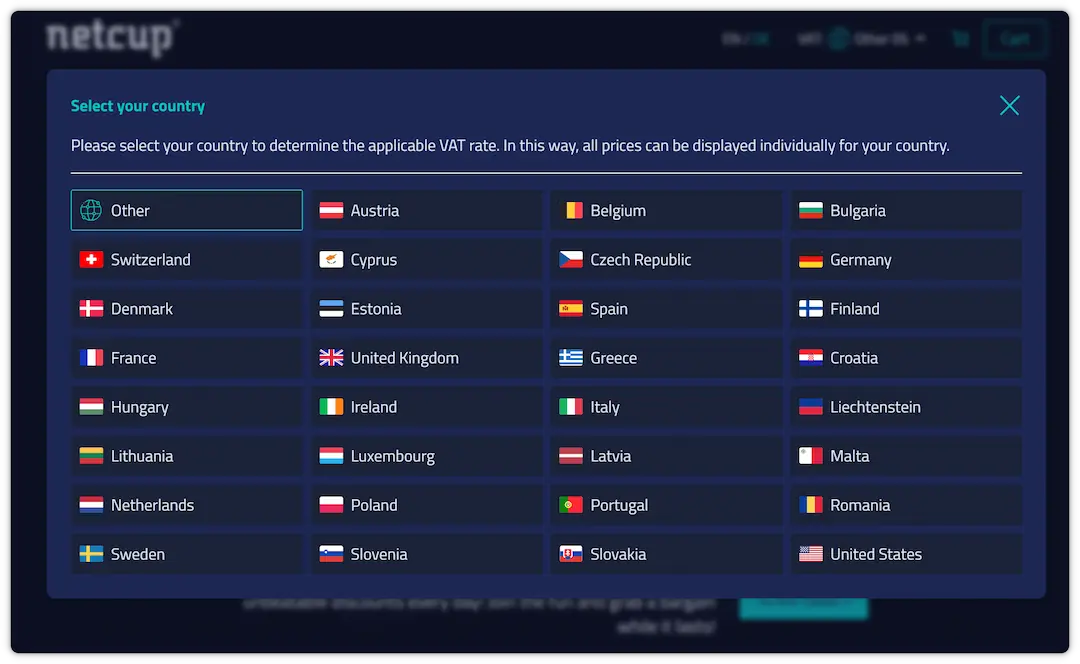
Go to the Netcup Deals Page. Select your country region at the top-left corner. If you cannot find China, simply select Other.
Acquiring Coupons
Scroll down and subscribe to their newsletters to receive a €5 coupon.

Enter your email address, and you will later receive a €5 coupon code in your inbox (not applicable for domain registration).

The following €5.00 General Coupon Codes apply to new users (excluding domain registration). These are updated in real-time and guaranteed valid:
|
|
Additionally, here are some coupon codes for specific products:
Webhosting (Shared Hosting) (Lifetime 30% discount)
|
|
Root Server Servers (Dedicated) (1~2 months free)
|
|
VPS (Virtual Private Server) (1 month free)
|
|
Selecting Service Region
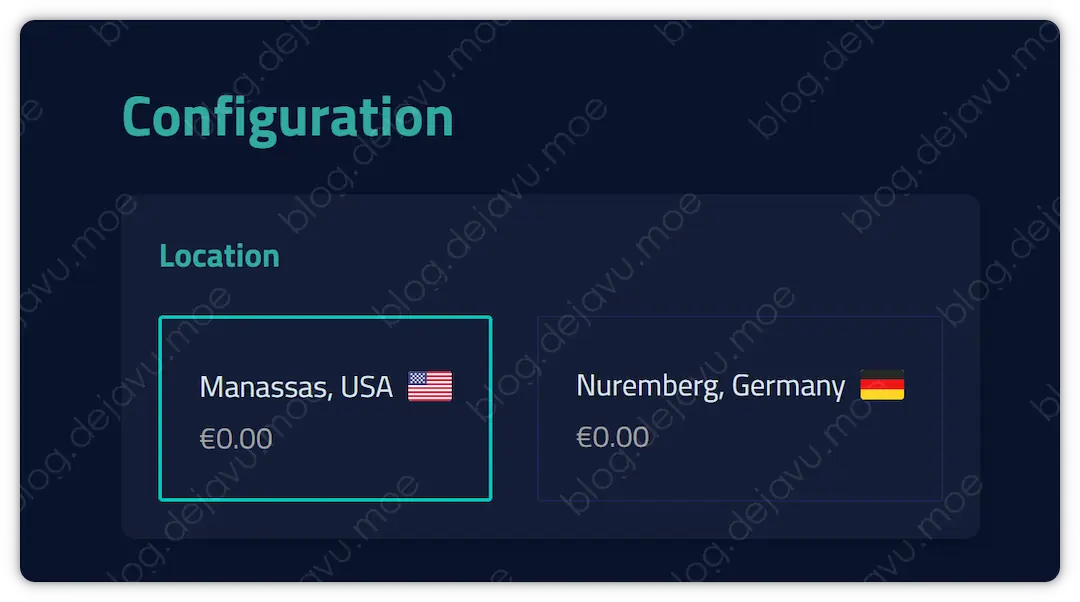
For the RS 1000 G12 Pro service, you can choose between Nuremberg, Germany, or Manassas, USA. I chose the US East region.
Confirming Order Info
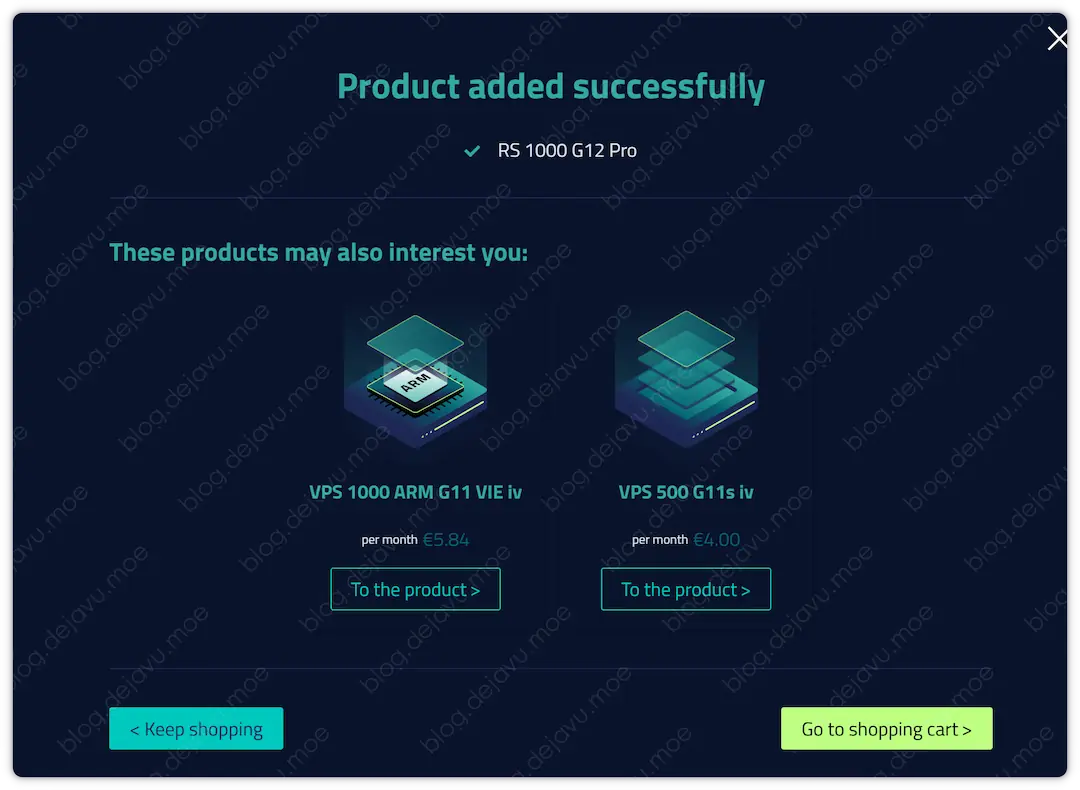
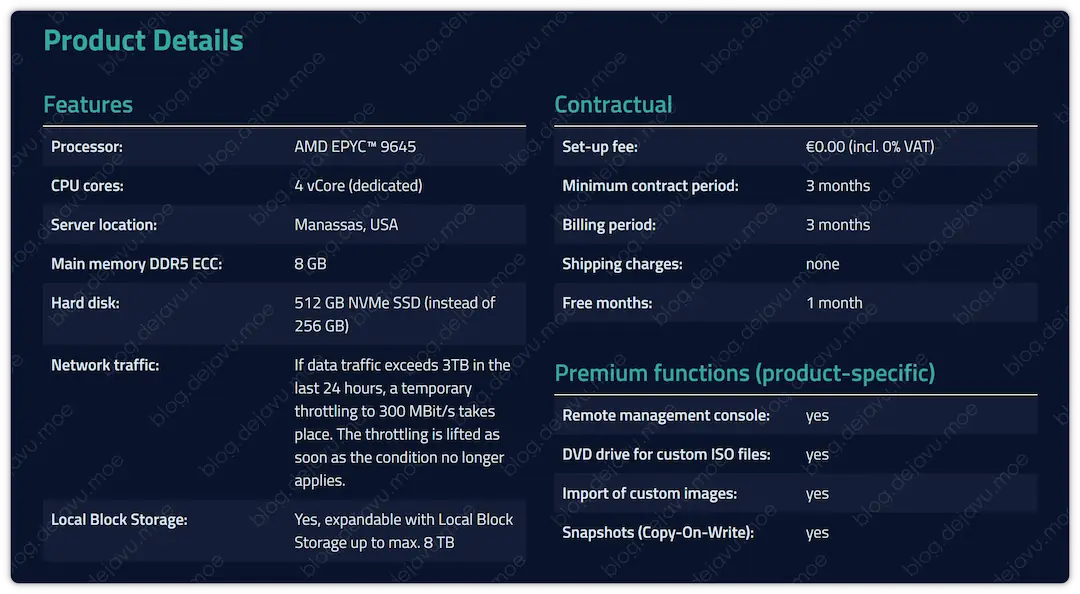 Go to cart and checkout.
 Double-check pricing.
Registering An Account
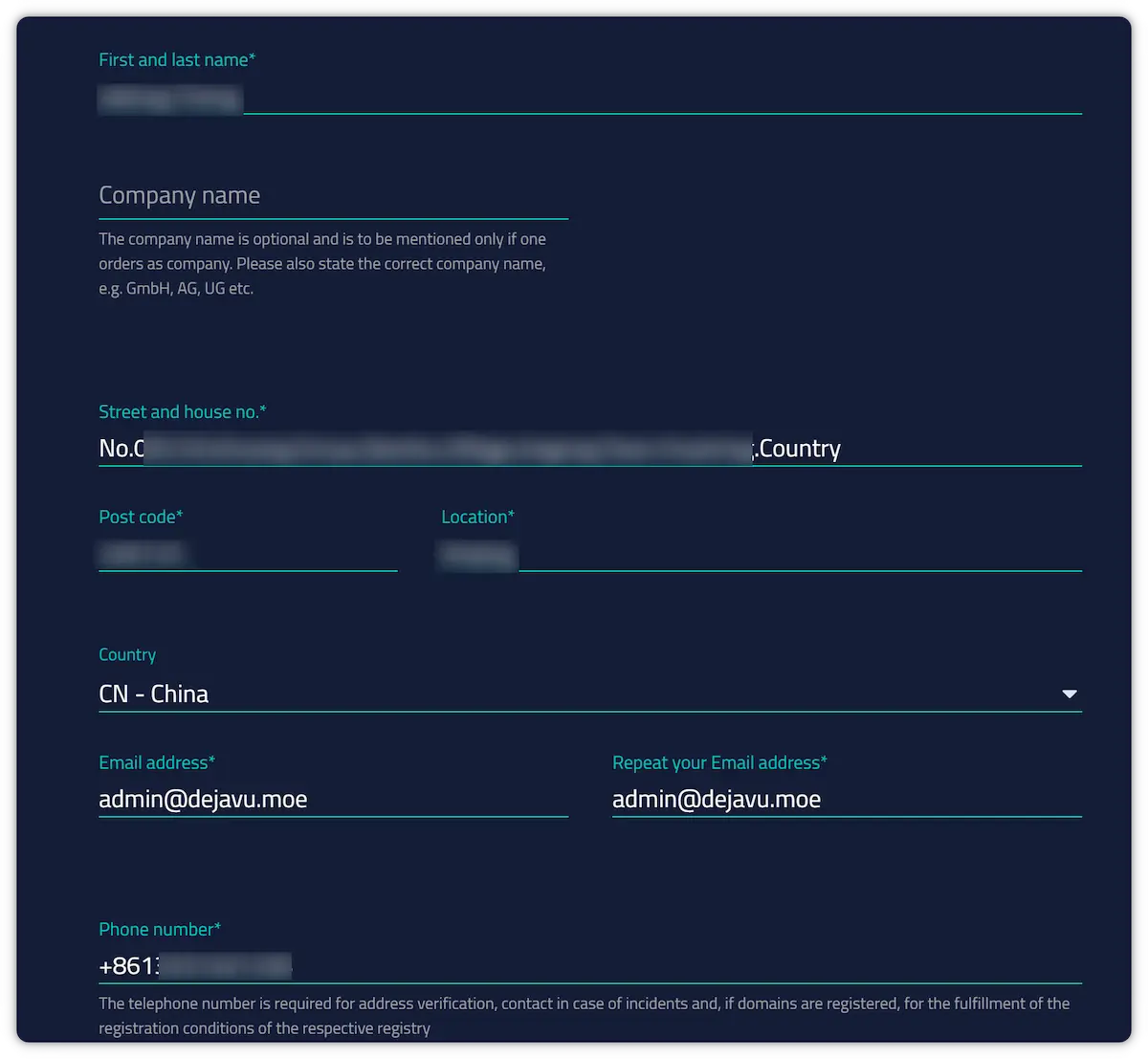
Since we do not have an account previously, you will need to register one here. Try to fill in information as truthfully as possible:
- Name: Use Pinyin, for example,
San Zhang. - Address: Translate your Chinese address into English words. Do not leave spaces, and avoiding use of hyphens
-is recommended. Use only periods.to separate sections. Example address format:No.005.Tuohedong.Group.Lieshan.Village.Licang.Town. - Postal code: keep it accurate and close to your address.
- Country: Choose
CN-China. - Email: Try to avoid domestic Chinese providers (e.g. QQ/163); using custom domain emails is encouraged.
- Phone number: use style like
+8612345678901.
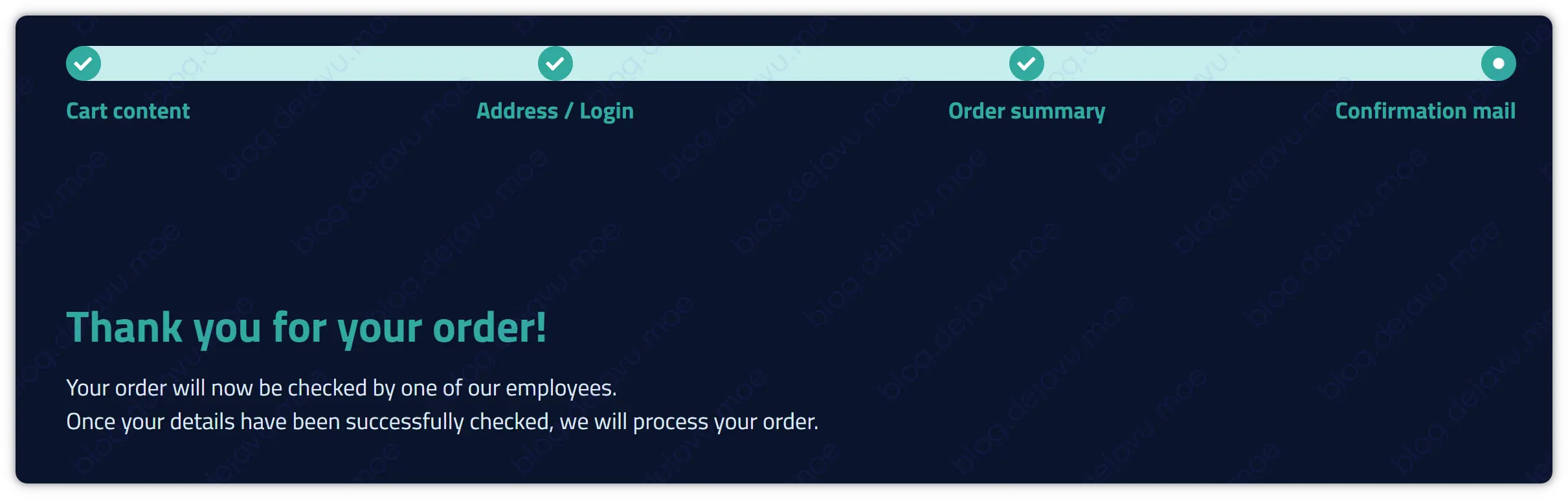
 Complete the order.
Verifying Identity
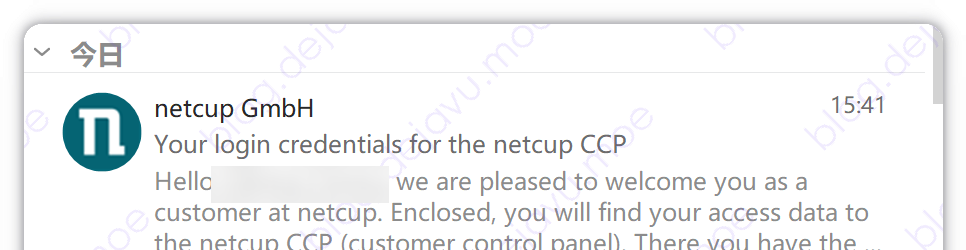
Shortly, you will receive 2 emails from Netcup. One contains the login link and credential parameters for the Netcup Customer Control Panel (CCP). Their system might have a minor bug, as I simultaneously received two emails containing two different sets of CCP credentials😅.
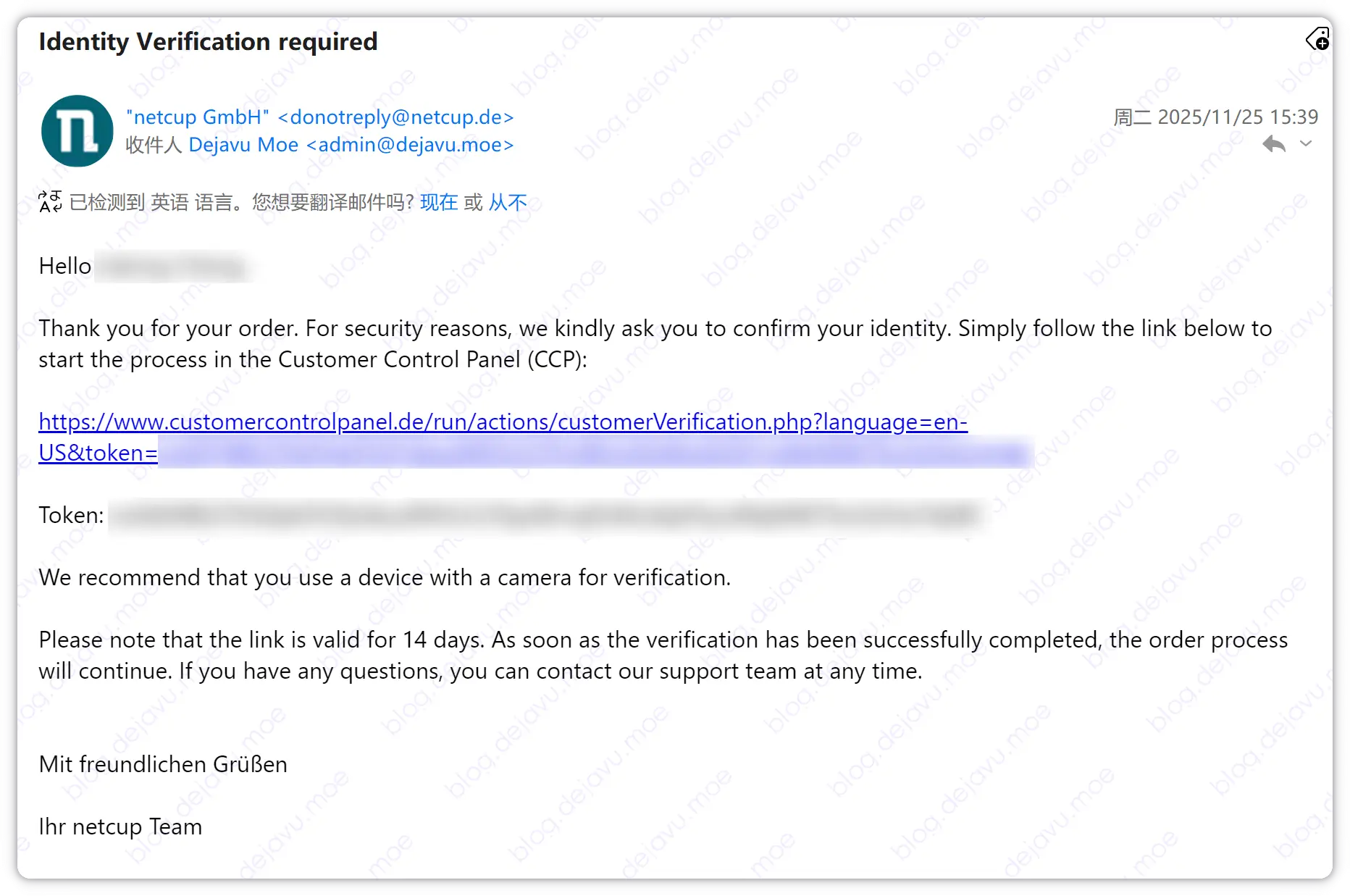
Another email, titled Identity Verification required, instructs us to perform identity verification. Click the link containing the token and login to CCP using the credentials from the other email. Advised to immediately set up 2FA to secure the account once logged in.
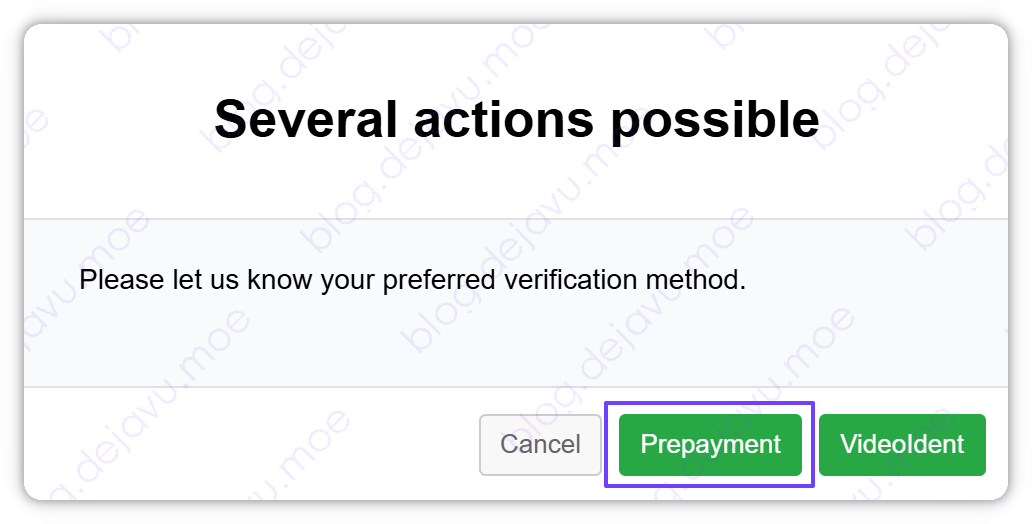
Select Prepayment Verification, which is the easiest validation route available.
Paying Invoice
Go to the CCP dashboard. Under Invoice on the left panel, there is an unpaid bill for the service you just purchased. Paying this bill will simultaneously fully satisfy the previous identity validation step.
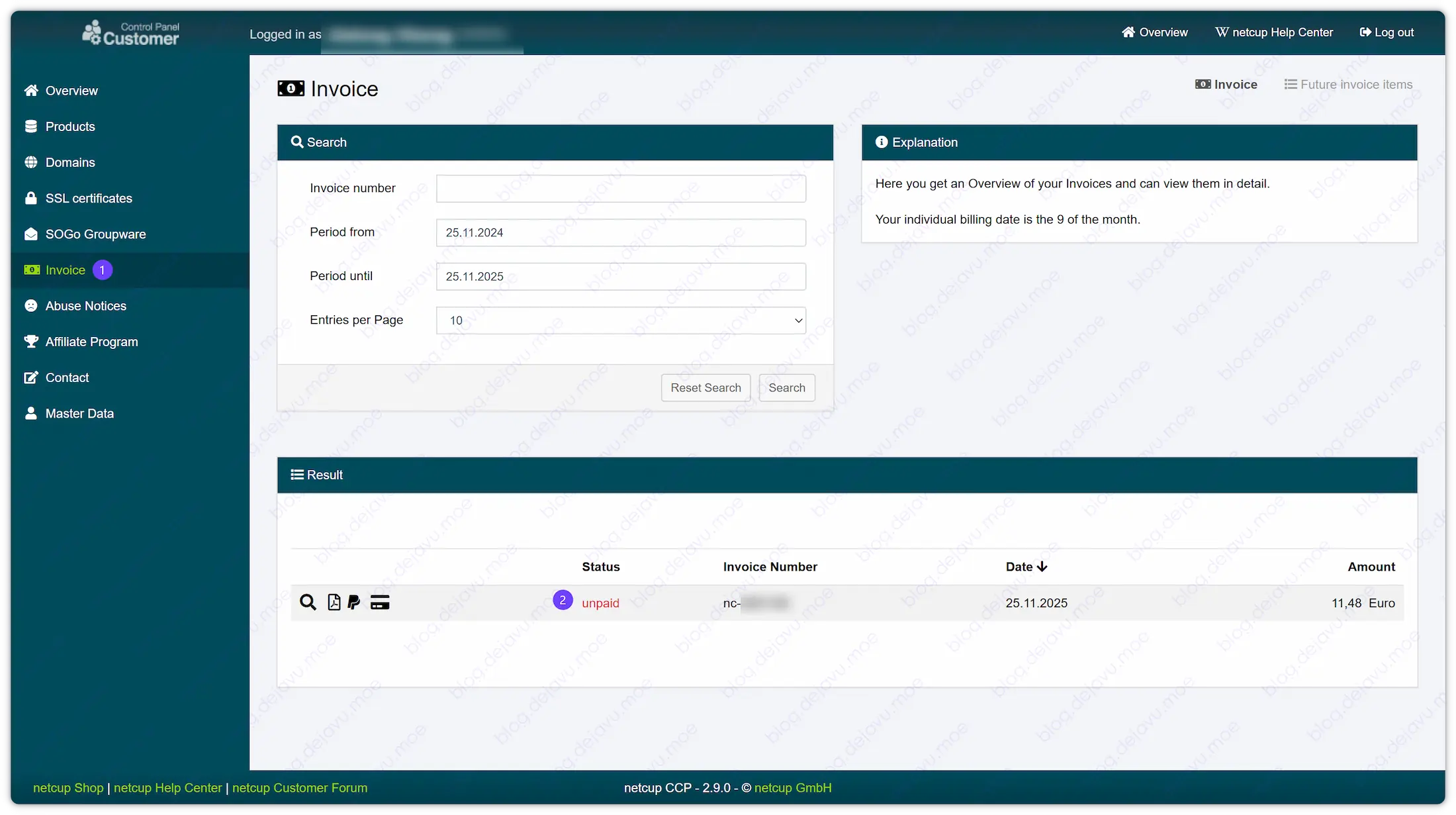 Click the invoice to enter the payment and verification steps.
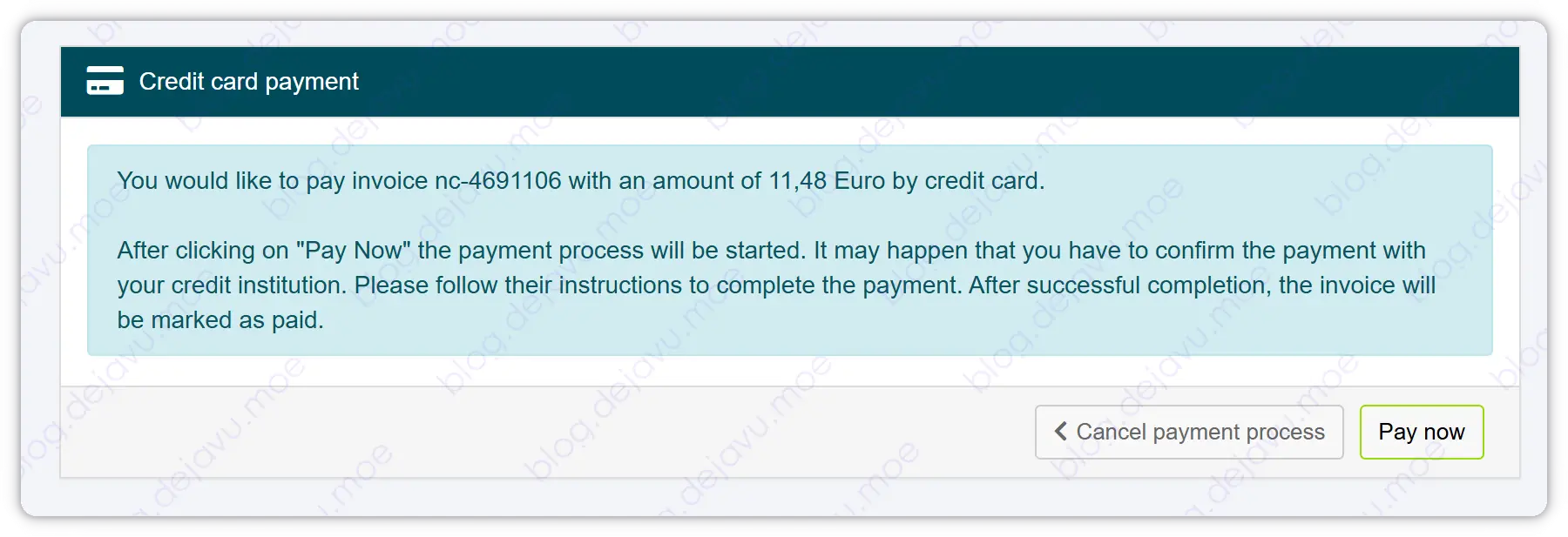 Agree to the terms and select your payment method.
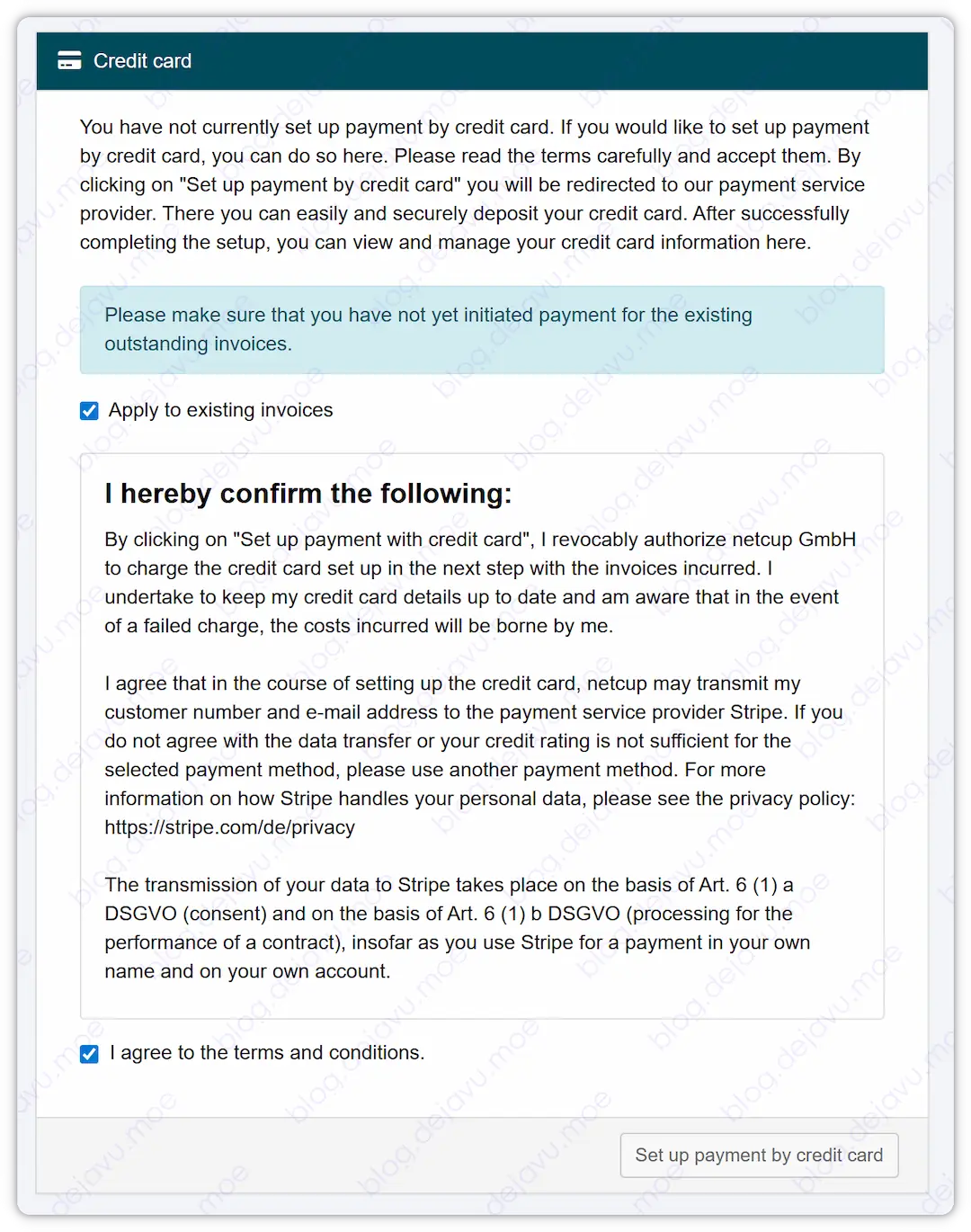
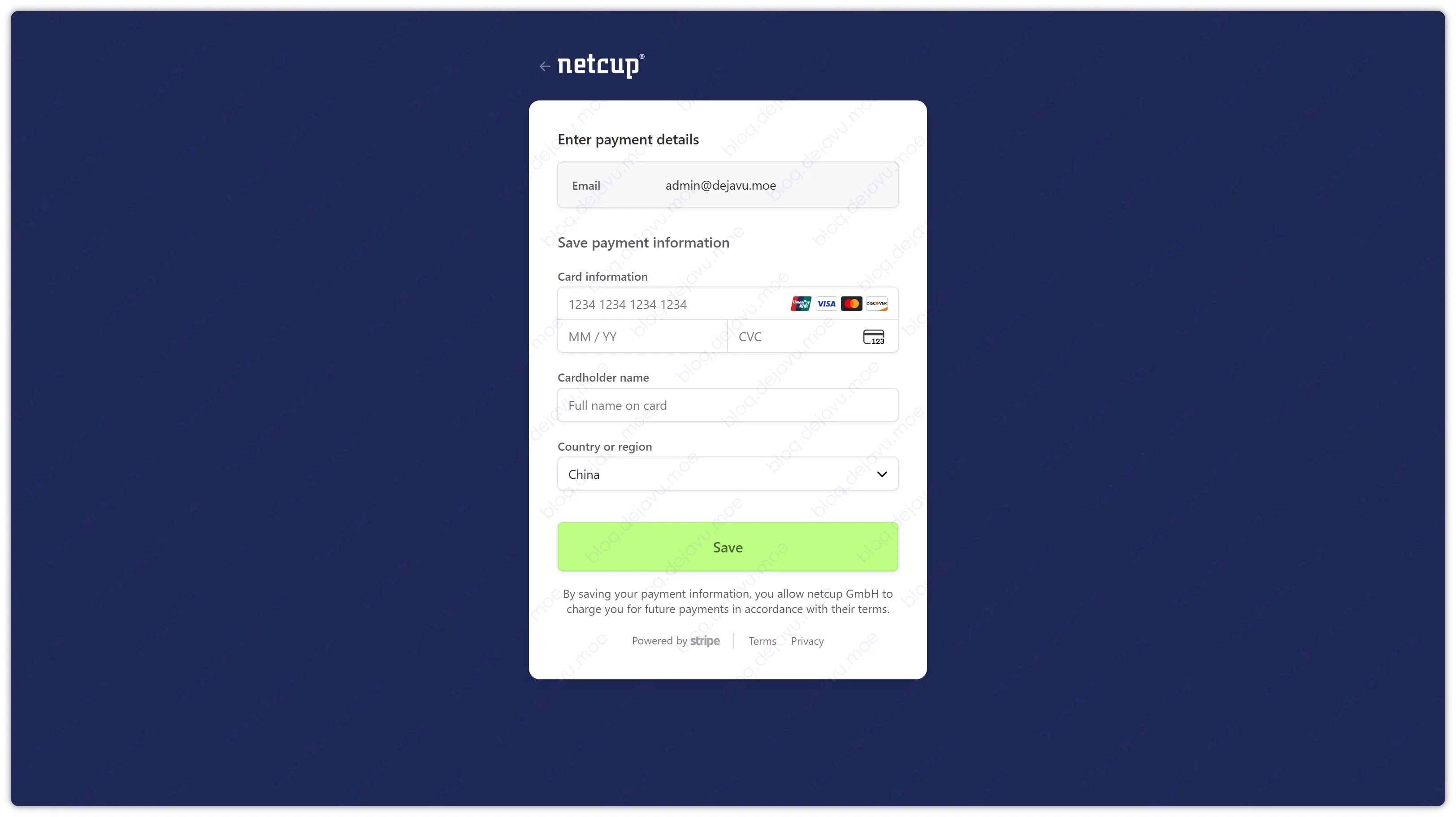
Netcup supports PayPal, Debit/Credit Cards, or bank transfer. Here we take Credit Card as an example (payment via Stripe).
Once payment is successful, the Invoice in CCP will display as Paid—concluding the payment stage.
Accessing SCP
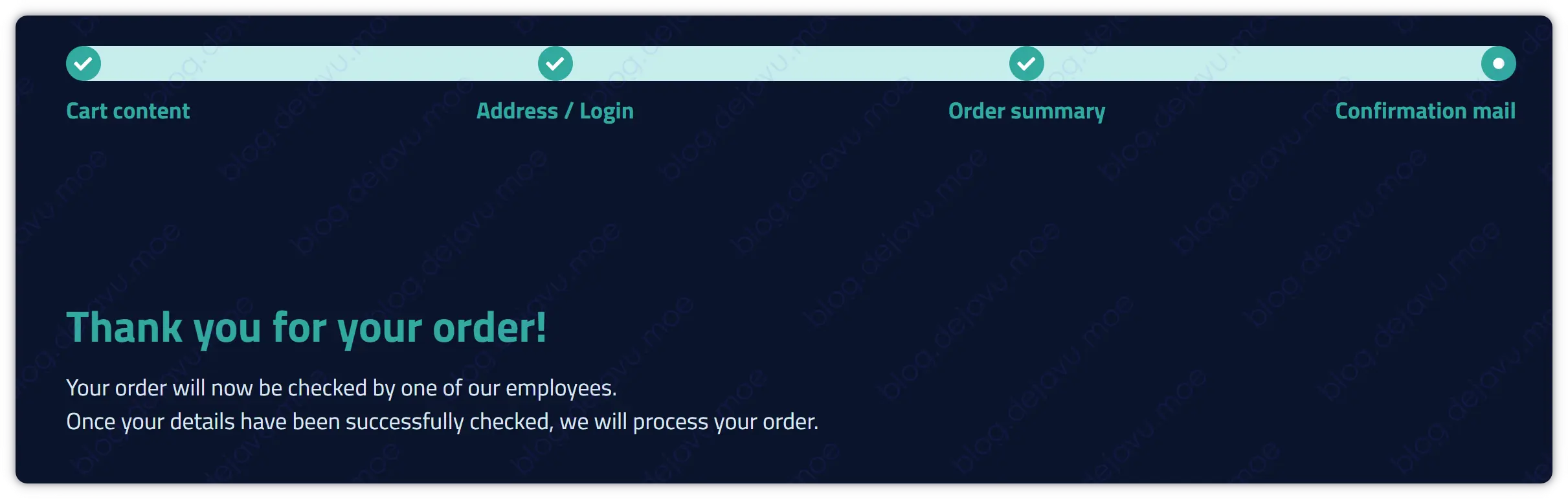
They need some time to process the order and validate your metadata. Once done, you will receive an email containing credentials for the Netcup Server Control Panel (SCP), which includes your server’s SSH login information.
Summary
Netcup is a trustworthy provider. Carefully understand the use policies and payment contracts before diving in; cancellations must be requested one month in advance before termination that cycle. Implementing a post-paid system means we can operate service before paying invoices; unpaid invoices exceeding 14 days will generate late fees, and failure to pay securely may lead with legal action against you.
Aside from these factors, they are highly stable with decent SLA uptime (at minimum ≮ 99.9%). The SCP dashboard implies no restrictive egress/ingress port firewalls, and services come backed with 2Tbps DDoS protection (up to L4). Giving clients maximum freedom for fully managed servers fits my needs.
I took some appropriate measures to safeguard server access, read in detail: Setting up my newly acquired Linux Server.
(Done)